
Taxi / Bus / Truck Car GPS Tracker For Vehicle Management System Track Solution
Car GPS Tracker For Vehicle Management System Track Solution
CA-V2C Functions:
1. Real Time Tracking Yes
2. History Track Yes
3. Control Engine Yes
4. Ignition Line Detection Yes
5. Built in battery Yes
6. Network 2G GSM
Introduction:
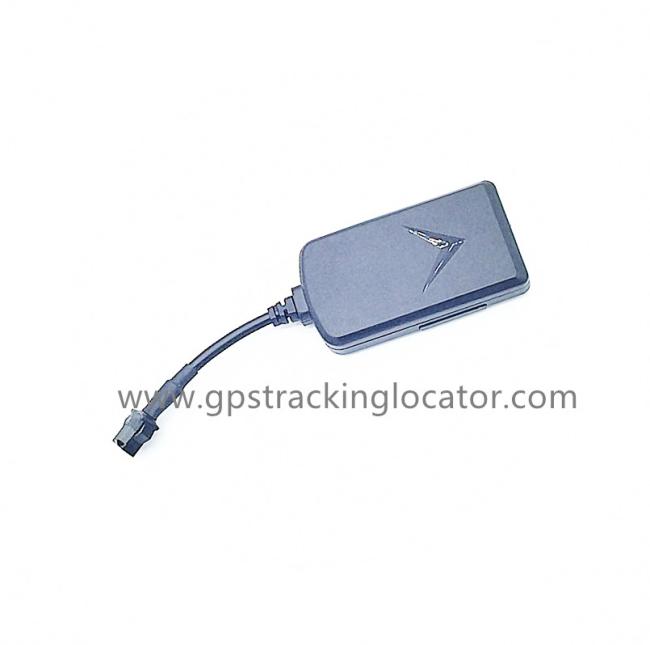
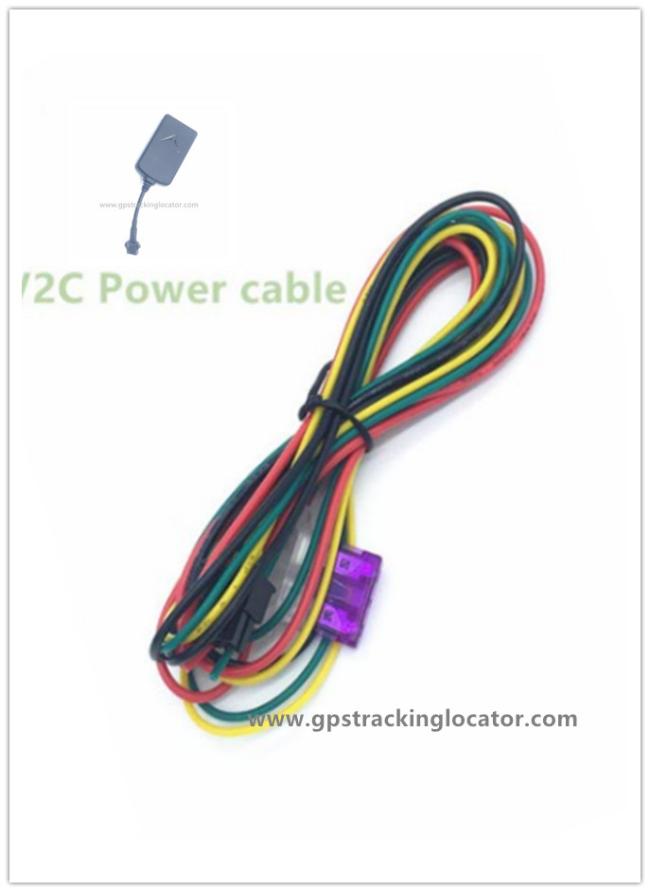
CA-V2C GPS Tracker Products GSM network And GPS Track, The Power Cable Contains Four Lines.
Red Line and Black Line are for Power supply.
Green Line is for igntion detection.
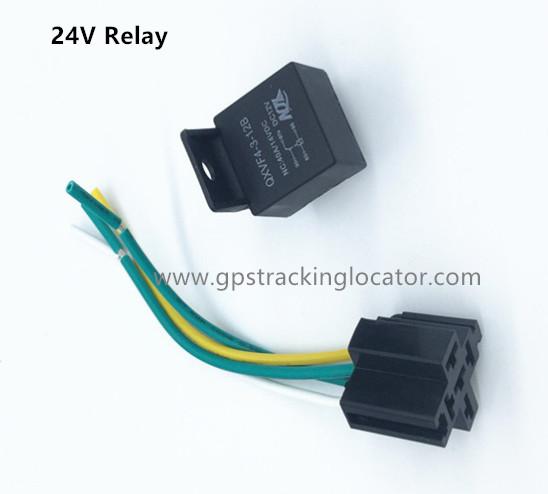
Yellow line is for engine line on or off via relay.
There is also Built in battery for power off alarm when power cable line is cut off by other people.
Ther are three LEDs for GPS GSM And battery indication.
Red LED is for battery status.
Green LED is for GPS Status, when it flashes stands for GPS Signal is normal.
Blue LED is for GSM network status, when it flashes stands for GSM signal is normal.
Specifications:
GPS Tracker Model Name: CA-V2C
Color: Black
Working Voltage: DC9V to 36V
GPS Channels: 20
Position Accuracy: Five meters
GPRS: Class 12, TCP/IP
Network: 2G GSM GPRS
Tracker Weight : 32g
Device Size: 67*34*11.5mm
Installation on cars:
1. Prepare one 2G GSM sim card and open GPRS function
2. Open the bottom cover and insert this 2G SIM Card
3. Turn on the battery switch and the blue green LEDs will be on
4. When blue LED flashes stands for GSM Signal is normal
5. When green LED flashes stands for device can receive GPS Signal
6. Power cable: Red Line is for +12V, Black Line is for GND. Green line is for ignition Line and Yellow Line
for relay.
7. Connect power cable to device.
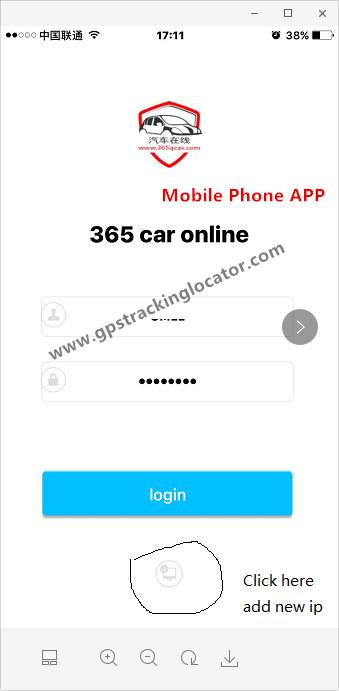
8. Set your IP and Port of your server and APN name of your SIM Card.
9. Add the ID of this device to your platform. after all is ok, you can check the positon on the map.
GPS Device Picture:
Mobile Phone APP:
Get in Touch
Have questions about our products or want to discuss a custom order? Our team is ready to help you.