
Temperature Controller Wifi AC Home HVAC Thermostat Programmable STN715W
24 Volts Programmable WIFI Thermostat
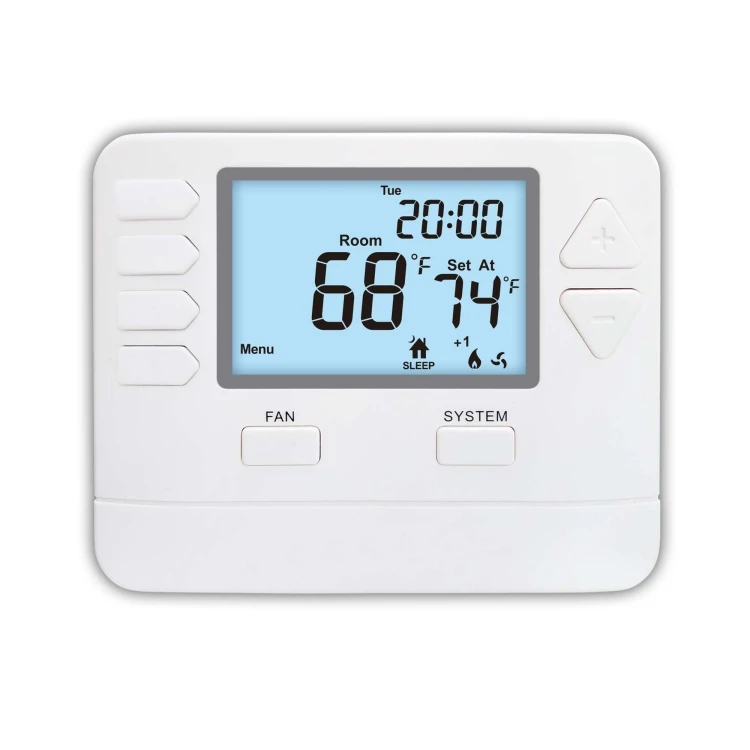
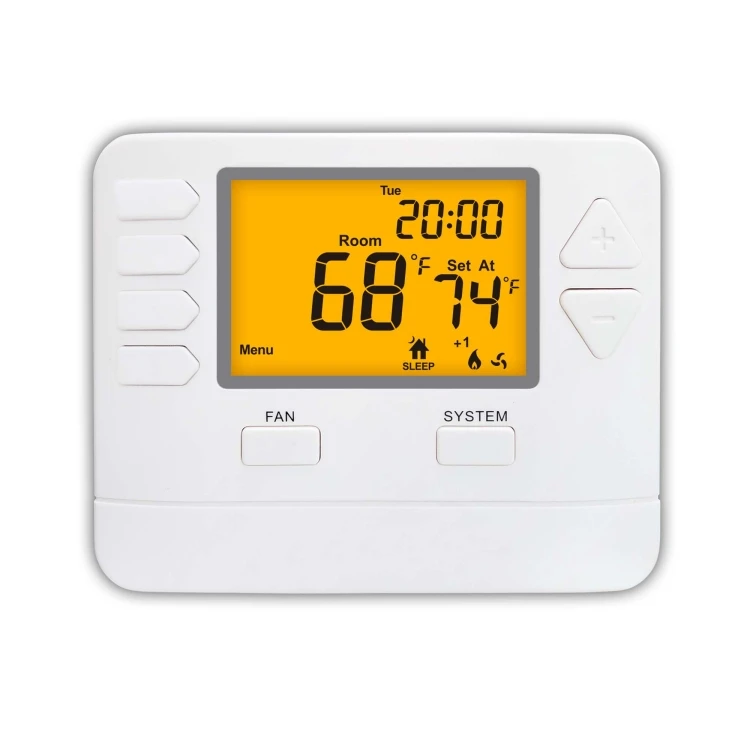

| Stages: | 2 Heat / 2 Cool |
| Switchable Voltage: |
24 VAC(18 to 30 VAC), 50/60 Hz 2*AAA 1.5V Alkaline batteries power |
| Low battery indicator: | Under 2.7 V (without 24V power supply) |
| Programmability: | 5(Mo~Fr)/1(Sa)/1(Su) Programmable |
| Program: | 4 times / 4 temp, “WAKE” “LEAVE” “RESTRN” “SLEEP” |
| Temperature Range (°C): | 32℉ to 99℉ (1℃ to 40℃) |
| Control Temp.Range (°C): | 44℉ to 90℉ (7℃ to 32℃) |
| Display accuracy: | ±1℉(under 68℉) |
| Load rating: |
1.0Amp per terminal, 1.5Amp maximum all terminals combined |
| Backlight: | Blue/Green/white |
| Fan Switch: | AUTO/ON |
| System Switch: | HEAT/OFF/COOL |
| Differential: | 0.2 to 2.0℉ |
| Dimensions of thermostat: | 120 x 98 x 28 MM |
Set Program Schedule
To customize your program schedule, follow these steps:
1. Select HEAT or COOL from the system switch.
Note: You have to program heat and cool each separately.
2. Press MENU
3. Press SET SCHED.
Note: Monday-Friday is displayed and the WAKE icon is shown. You are now programming the wake time period for the weekday setting.
4. Time is flashing. Use the + or - key to make your time selection for the weekday WAKE time period (step: 10 minutes).
5. Press NEXT STEP
6. The setpoint temperature is flashing. Use the + or - key to make your setpoint selection for the weekday wake period (step: 1℉).
7. Press NEXT STEP
8. Repeat steps 4 through 7 for weekday LEAVE, RETURN and SLEEP time period.
9. Repeat steps 4 through 7 for Saturday WAKE, LEAVE,RETURN and SLEEP time period.
10. Repeat steps 4 through 7 for Sunday WAKE, LEAVE,RETURN and SLEEP time period.
11. Press DONE when completed or quit after 15 seconds automatically.
Get in Touch
Have questions about our products or want to discuss a custom order? Our team is ready to help you.