
NFC Card Reader QR Code 120MHz RS485 2D Barcode Scanner
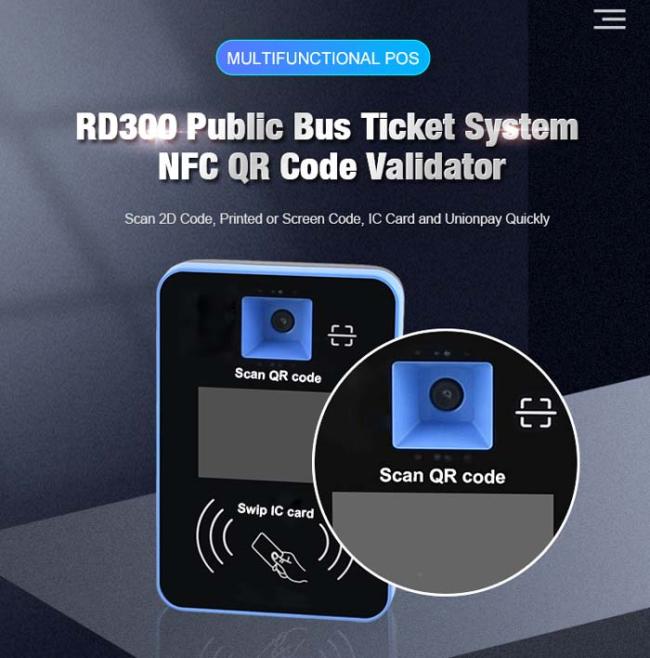
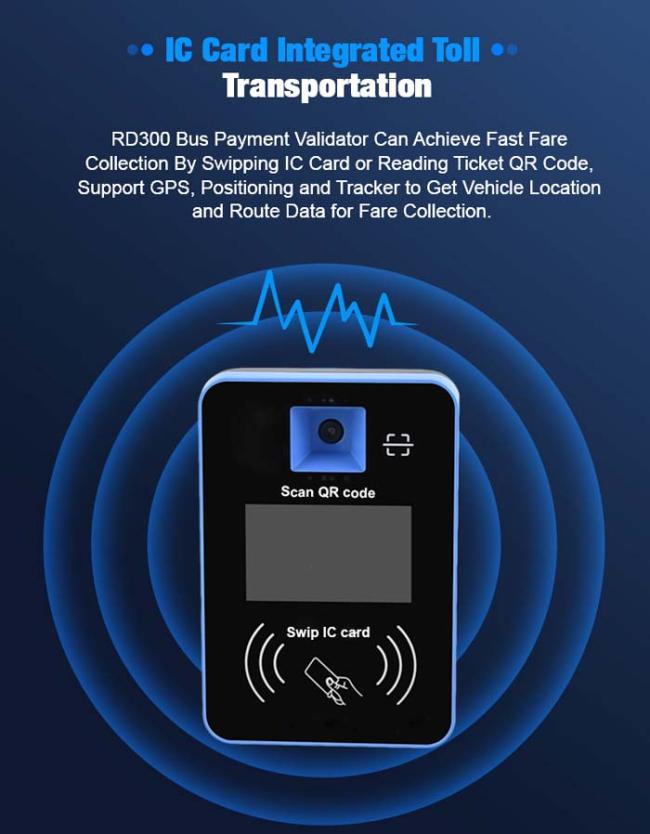
RD300 NFC Access Control Card Reader 2D Barcode QR Code Scanner
Barcode QR Code Scanner Functions
A.Burning program
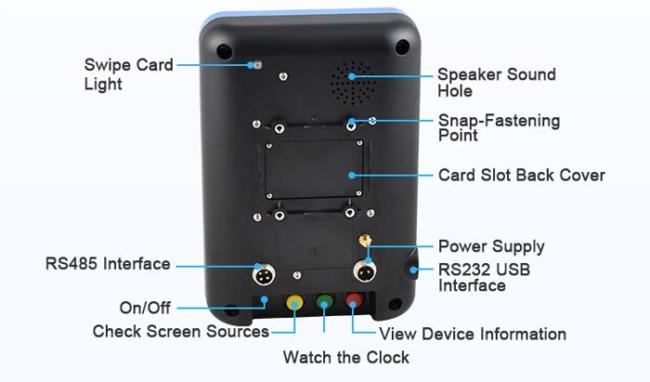
After power is off, press button 1; turn on power and it will enter burning program interface
B.Burning voice file
After the machine is working normally, pressing button 1 for a long time, and it will enter into voice file burning interface
C.Inquiry
After the machine is working normally, press the button 2 for a short time, you can inquire the POS info, transaction records etc.
D.Rate, driver card and ticket seller card
After the machine is working normally, press the button 3 for a long time and then you can set the rate, read the driver or ticket seller card.
(Note: the functions of three buttons can be customized)
Product Parameters
| Items | |
| Processor | 32 bit ARM, 120MHz |
| Memory | 64Kb FRAM. 8Mb+1Gb DataFlash |
|
Contact less Card Scanning |
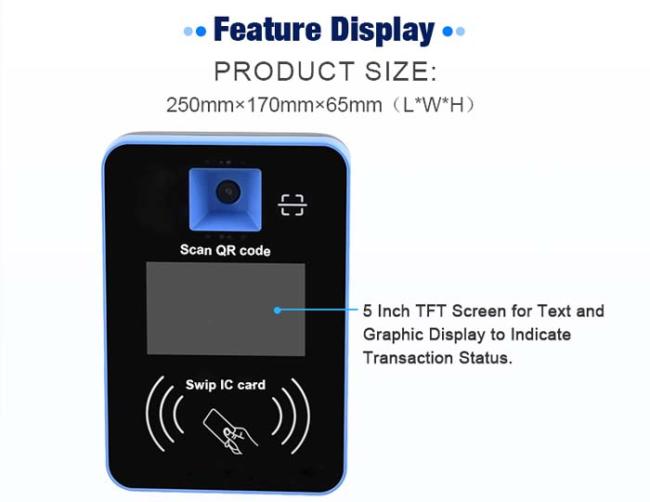
1D, 2D barcode payment; support ISO14443 card, CPU card such as Mi fare 1 S50/S70, Mi farePro, IC card, 13.56 sim card etc. |
| Sim | Support four ISO7816 sim cards |
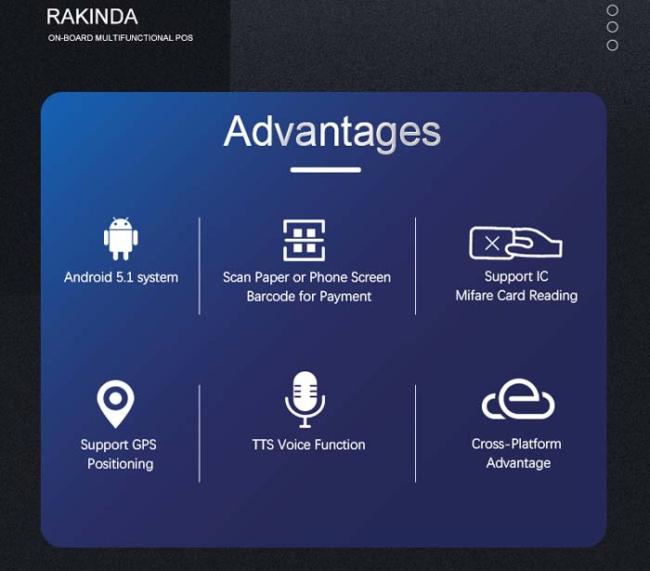
| Voice | It can store 265 pcs of voice, and the voice can be updated through software and no need to dismount the machine. |
| Display | 5 inch TFT color display |
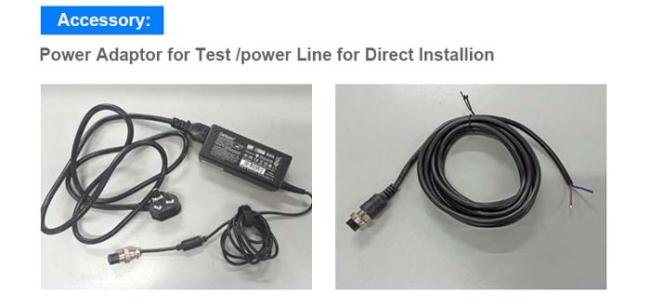
| Power | 9V-36V,it has protection for over-voltage, over-current, converse connection, under-voltage. |
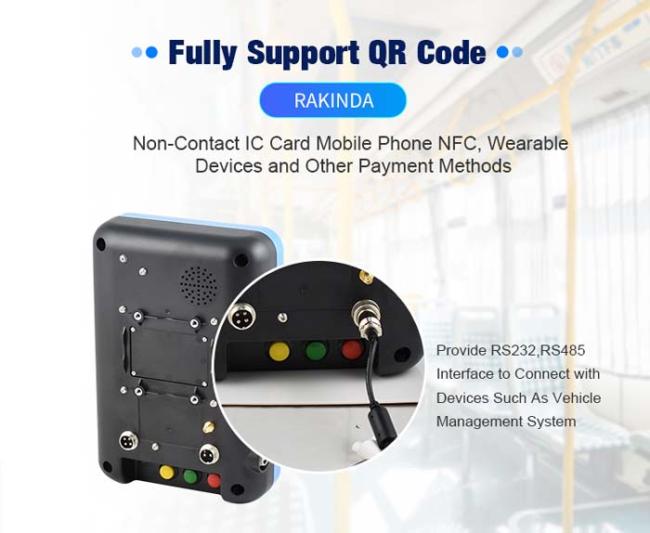
| Interface | RS232, RS485 |
| Wireless Communication (optional) |
TDD-2TG/FDD-LTE/wcomA/TD-SCDMA/GSM/GPRS/ EDGE/WIFI/zigbee |
User Notice
A.Operate with care;
B.Do not touch power cable when your hands are wet;
C.Do not plug out the power cable brutally;
D.Do not use damaged or loosen power cable and power outlet;
E.Do not drag the antenna
Maintenance
Toubleshooting
Can not scan the card successfully: turn off the machine and turn on again; try to scan the employee card. If not solved, contact the manufacturer;
Successful scanning but no beep: contact manufacturer for repair;
Scan not scan the 2D code: bring the 2D code closer to the scan window.
Get in Touch
Have questions about our products or want to discuss a custom order? Our team is ready to help you.