
VOE11381500 11381500 Monitor Display Panel for L70F L110F Wheel Loader
Price:
Please send mail or WhatsApp
MOQ:
1
Delivery Time:
1 Works day
Brand:
JIAJUE
Product Description
VOE11381500 Monitor Display Panel for L70F L110F Wheel Loader
High-quality monitor display panel designed specifically for L70F and L110F wheel loaders, available in both new and second-hand conditions with rich stock availability.
Product Specifications
| Product Name | Monitor Display Panel |
| Part Number | VOE11381500 |
| Brand Name | JIAJUE |
| Machine Model | L70F L110F Loader Parts |
| Condition | Second Hand; New |
| Availability | Rich Stock |
| Delivery Time | Usually delivered within 1-3 days after payment |
| Approximate Weight | 2KG |
| Size (per unit) | 20cm x 30cm x 8cm |
| Delivery Methods | DHL, FedEx, TNT, UPS |
| Shipment | Dispatched within 24-48 hours |
| Payment Methods | TT, Western Union, Credit Card, PayPal |
Product Testing & Quality Assurance


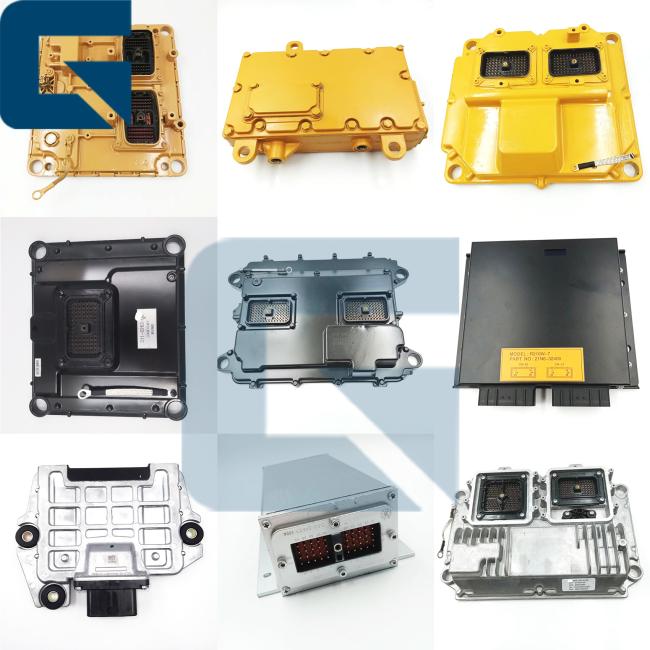
Compatible Products & Accessories
Frequently Asked Questions
Q1: How long does it take to install the monitor panel?
- Physical Installation: 15-30 minutes. The unit is typically secured by 4 bolts on the cool side of the engine.
- Programming & Testing: 30-60 minutes.
Pro Tip: If the monitor panel is pre-programmed by us based on your machine's serial number, it is essentially "Plug & Play." If not, you will need manufacturer-specific diagnostic tools to configure the software. We recommend professional installation to ensure correct parameter synchronization.
Q2: How to determine if the monitor panel is faulty and needs replacement?
- The diagnostic tool cannot communicate with the monitor panel, or it displays a "Module Not Responding" error.
- Active fault codes related to internal memory or voltage reference issues that persist after checking the wiring harness.
- Display malfunctions, incorrect readings, or system errors after sensors and harnesses have been ruled out.
- Visible signs of overheating, water ingress, corrosion, or broken pins on the connector headers.
Q3: What's your payment method?
Our payment methods include T/T, L/C, PayPal, etc.
Q4: Do you have stock?
Rich stock available.
Q5: How can I know my order is already shipping?
When the goods ship, we will share the tracking number. For sea or air freight, we can provide the bill of lading.
Step-by-Step Testing Guide
Pro-Tip: Monitor panels and electronic control systems are sensitive to contamination. Ensure clean working conditions during installation and testing.
- Prepare: Ensure the excavator is turned off and safely secured. Disconnect the battery to avoid electrical accidents.
- Inspect: Check the monitor panel for physical damage or loose connections.
- Connect Diagnostic Tool: Use a diagnostic tool recommended by the manufacturer. Connect it according to the tool's instructions.
- Read Codes: Use the diagnostic tool to read any error codes (DTCs) stored in the system.
- Check Live Data: View live data parameters such as sensor readings and system voltages. Ensure they are within normal ranges.
- Functional Tests: Perform tests to activate components or simulate inputs. Verify that the monitor panel responds correctly.
- Reset (if needed): Reset the system if recommended by the manufacturer, especially after repairs or replacements.
- Document: Keep a record of all tests, codes, and results for future reference.
Quick Checklist for Buyers
Before replacing the monitor panel, always check the fuses, main relays, and ground connections. In many cases, a faulty ground wire or low battery voltage mimics a monitor panel failure.
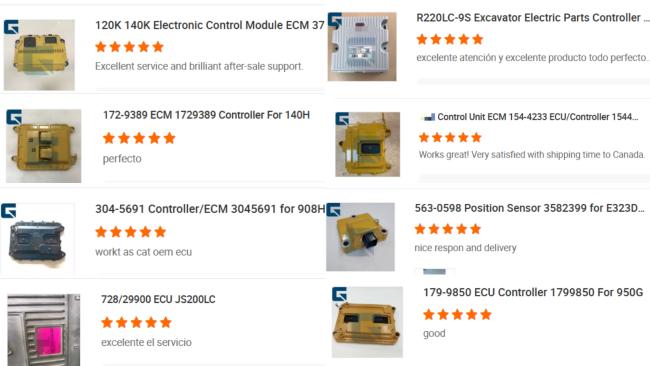
Customer Reviews & Testimonials
Company Profile

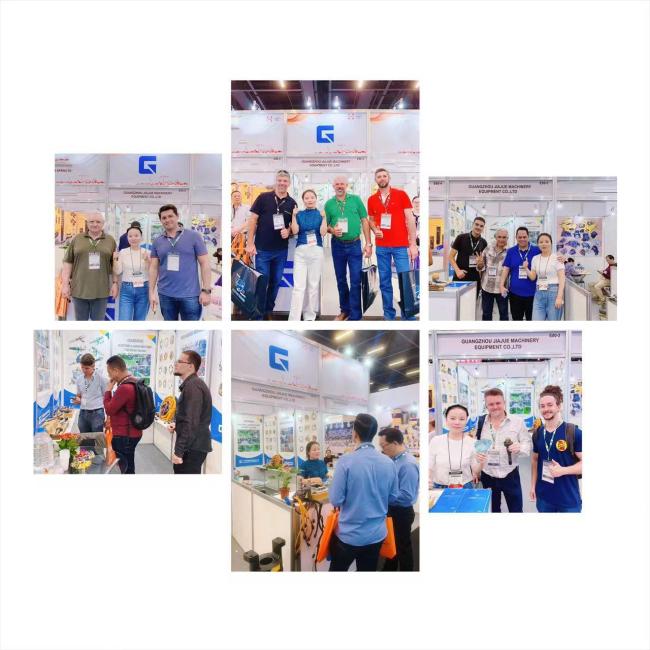
Industry Exhibitions

Factory Environment

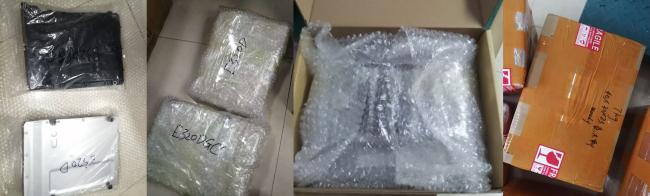
Packaging & Shipping

Similar Products
Get in Touch
Have questions about our products or want to discuss a custom order? Our team is ready to help you.
Company
GUANGZHOU JIAJUE TRADING CO.,LTD
Location
Room 315-316,Third Floor,NO.1020,Zhongshan AV.,Tianhe District,Guangzhou City,China
Contact Person
Jack Hoo