
Waterproof ZIPPER PAC Phone Tote - Outdoor Phone Pouch Dry Bag – Fits Most IPhone And Samsung Galaxy Models, Neon Green
Bagplastics@vip.163.com
Bagplastics@vip.163.com
Phone Tote

Product Description
This is the perfect tote for all the small items you want to take with you on your adventures. Patented design to fit nearly every phone along with your protective case, plus store your keys, wallet, jewelry and more in the separate compartment.
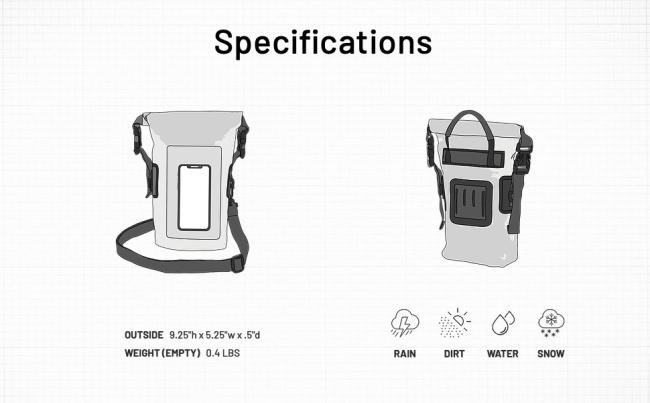
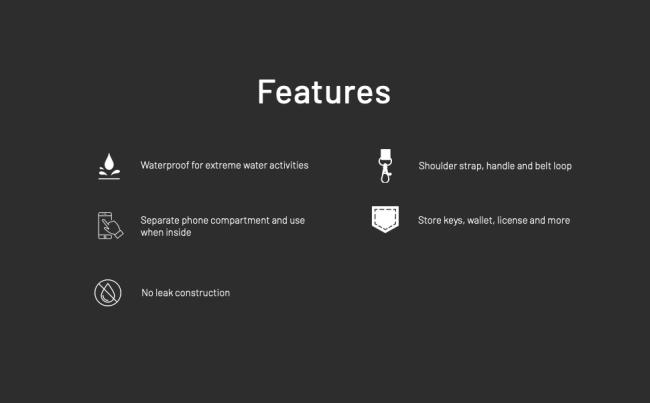
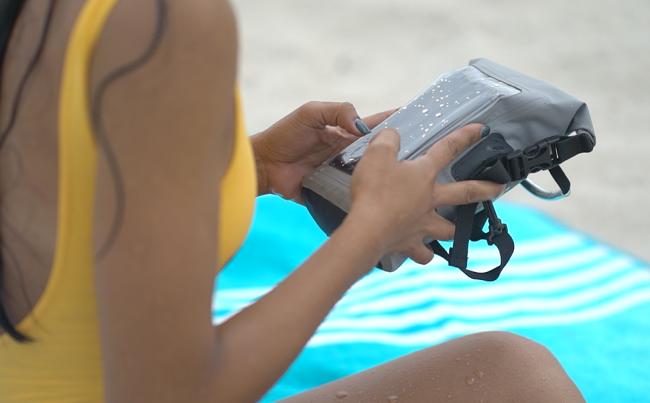
- KEEP YOUR VALUABLES SAFE & DRY – 2-compartment tote made from durable tarpaulin PVC has a clear phone sleeve and 2L dry bag to store your keys, wallet, and other small valuables.
- CLEAR SCREEN – Continue to text, talk, take selfies, play games, and post on social media with your device inside.
- HANDS FREE – 3 carry options: adjustable shoulder strap, handle, or attach to your belt.
- FITS NEARLY ALL DEVICES – Fits iPhone 11Pro/X/8/7/6/5/4, Samsung Galaxy phones, and other devices with most protective cases measuring up to 7.5” H x 4” W x .5” D.
- TEST AHEAD OF TIME – It’s recommended to test prior to use by filling the bag with air, closing properly, and compressing to verify air is not released. The phone tote will protect your gear during any activity that your bag is not fully submerged.
Bagplastics@vip.163.com
|
|
|
|
|
|---|---|---|---|
Secure Snap-and-Lock SystemA must-have for any traveler or outdoor adventurer, this waterproof pouch seals out water, snow, dust, dirt, and sand. The pouch’s secure snap-and-lock system ensures easy opening and closing. It is IPX8 waterproof. |
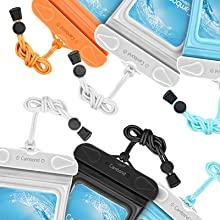
Adjustable Neck Lanyard IncludedThe BAGEASE Universal Waterproof Smartphone Pouch comes fitted with a comfortable yet durable neck strap, which allows for convenient hands-free transport, secure placement, and easy access. |
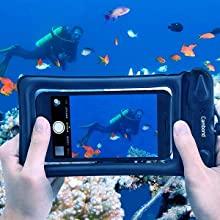
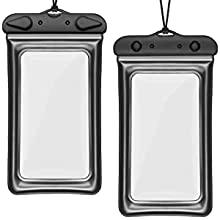
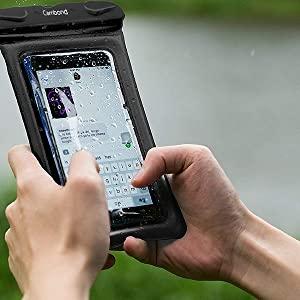
Both Side Clear WindowsA completely transparent touch-friendly window on both sides (front and back) ensures convenient access to your phone at all times - check email, browse the internet, text, or access other touch-screen functions. |
Clear Windows Front & BackA completely transparent touch-friendly window on both sides (front and back) ensures convenient access to your phone at all times - check email, browse the internet, text, or access other touch-screen functions. |
|
|
|
|
|---|---|---|
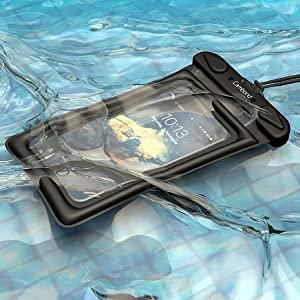
Floating Waterproof Phone Pouch
** Important Notice **
|
Activation Tips for iPhone 7/7+/8/8+For iPhone 8 / 8 Plus / 7 / 7 Plus, use Side Button to activate the screen instead of Home Button, and use AssistiveTouch to replace Pressure-Sensitive Home Button How to Activate iPhone 7 / 7+ / 8 / 8+ : 1. Set the AssistiveTouch button in advance ( Path: Settings - General - Accessibility - AssistiveTouch - turn on AssistiveTouch - done!) 2. Use the Side Button (power button) to activate the screen 3. Click the AssistiveTouch button to enter password to unlock your phone Please inquiry us |
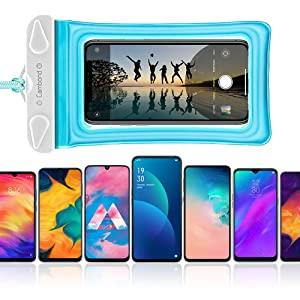
Fits Devices up to 6.5 inchesFits devices up to 100 mm x 170 mm (window dimensions: 80 mm X 148 mm). Compatible with phones devices 6.5 inch diagonal or less confidently. (Note: Any extra big protective cases or sharp objects need to be removed.) [Compatible Devices List] Including but not limited to...
|
Bagplastics@vip.163.com
Get in Touch
Have questions about our products or want to discuss a custom order? Our team is ready to help you.