
TR90 Uv Ray Protection Sunglasses With Built In Headphones Open Ear
Bluetooth Audio With Open Ear Headphones Uv Ray Protection Lens Sunglasses
This open-ear smart audio sunglasses adopts a new generation of bluetooth 5.0 version ,more fast ,more stability ,longer transmission distance .
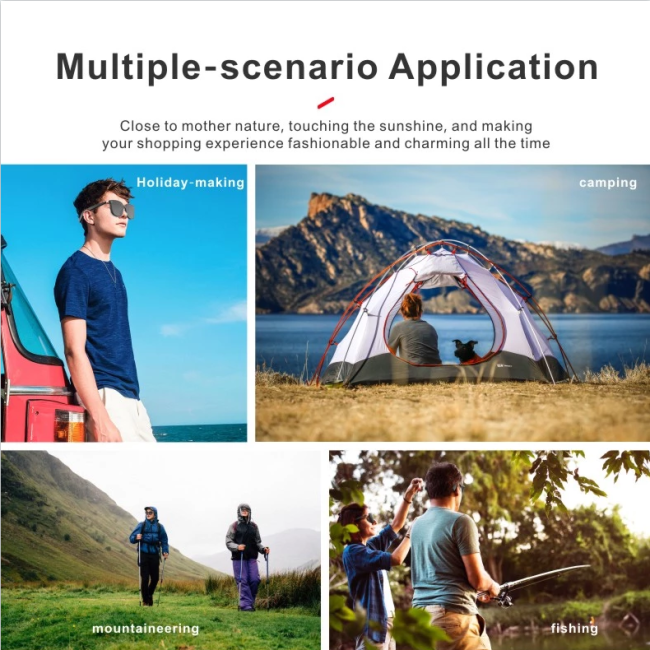
Driving ,outdoors,shopping you can enjoy music and answer phone,refuse to answer the phone and wake up Siri .listen to music for 5 hours ,answer phone for 10 hours .
| Product name | Bluetooth music glasses |
| Product Certificate | ROHS, FCC, CE |
| Feature1 | Nylon lens ,glass hard ,scratch resistance |
| Feature 2 | one button control |
| Feature 3 | Magnetic charge port ,easy and fast charging |
| Feature 4 | Big battery ,long battery life ,enjoyable experience |
| Feature 5 | Multi -function ,answer the call ,play music ,refuse the answer the phone,switch to the next song,wake up voice assistant... |
| Feature 6 | 99% UV400 and UVB protection |
| Feature 7 | Supports replacement of other lenses such as myopia lenses |
|
Bluetooth chip |
Qualcomm |
|
Weight |
48g |
Feature :
1. TR 90 high quality ultra light frame
2. Directional audio transmission technology ,support voice call ,anti-ultraviolet and anti-blue lenses
3. This open-ear smart audio glasses adopts a new generation of bluetooth 5.0 version ,more fast ,more stability ,longer transmission distance
4.IXp4 dust proof and rain proof
5.The packing list :glasses,charging cable ,glasses bag (can be replaced of glasses cloth ),instruction manual .
6.one button control all function
7.Meet CE ,ROHS,MSDS ,FDA,SG12312 Certification
8.TR90 frame ,light weight 44g
10.Sunglasses with S M L size
11.More than 160 hours of long standby
Quick Start Guide :
Power off :please long press the button on the left or right leg for 4 seconds when turn off the bluetooth (warning tone:power off),Auto power off when charging .
1. Turn on glasses ,open the phone's Bluetooth ,and search the name of smart eyewear ,the device is connected .
2. After successfully connecting ,warning tone :connected
3. When the device disconnect ,warning tone :disconnected
4. Short press button on the left or right leg for answering or hanging up calls .
5. Long press button on the left or right leg for 1 second for refusing calls
6. The conversation from glasses to receiver ,long press button on the left or right leg for 1 second
7. Adjust the volume during a call ,double click button on the left leg to decrease speaker volume ,double click button on the right leg to increase
speaker volume (clicking the button not support adjusting volume during three way call)
8. When making a call ,another call coming in and transfer calls to three way ,short press button on the left or right leg for 1 time .
9. When making a call ,hang up a call to answer another call ,long press button on the left or right leg for 1 second .
Bluetooth sunglasses — Pair your audio sunglasses to your device to listen to your favorites and take crystal-clear calls. Reliable Bluetooth range up to 30 ft.
Adjust the music :
1.Short press button on the left or right leg to play or pause music
2.Double click button on the left leg to decrease the volume
3.Click 3 times button on the left leg to play the last music
4.Double click button on the right leg to increase the volume
5.Click 3 times button on the right leg to play the next music
Get in Touch
Have questions about our products or want to discuss a custom order? Our team is ready to help you.