
TYZS3 Module Zigbee Smart Hub Support 32 Devices Tuya Zigbee Hub
Price:
Negotiable
MOQ:
Standard packing 200pcs. OEM packing 2000pcs
Delivery Time:
25 working days
Brand:
Multi IR
Product Description
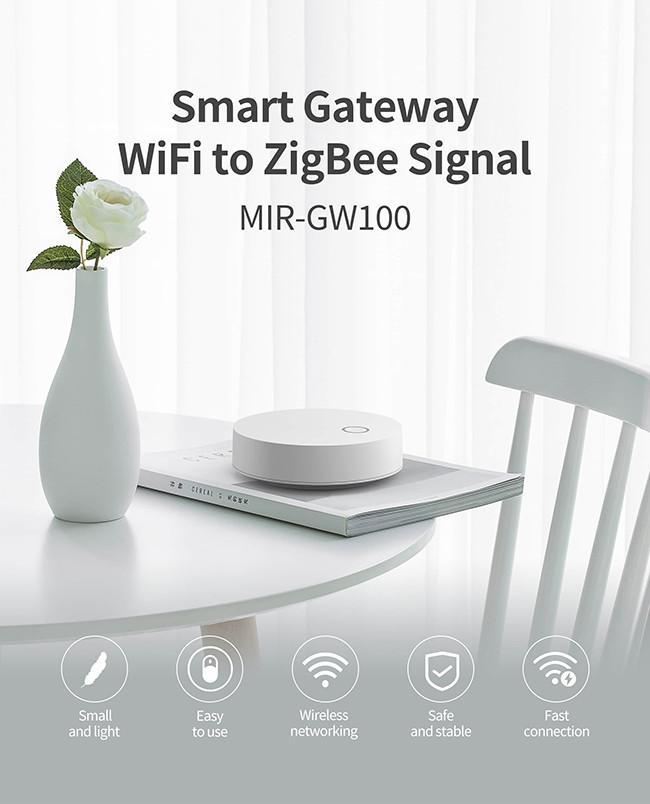
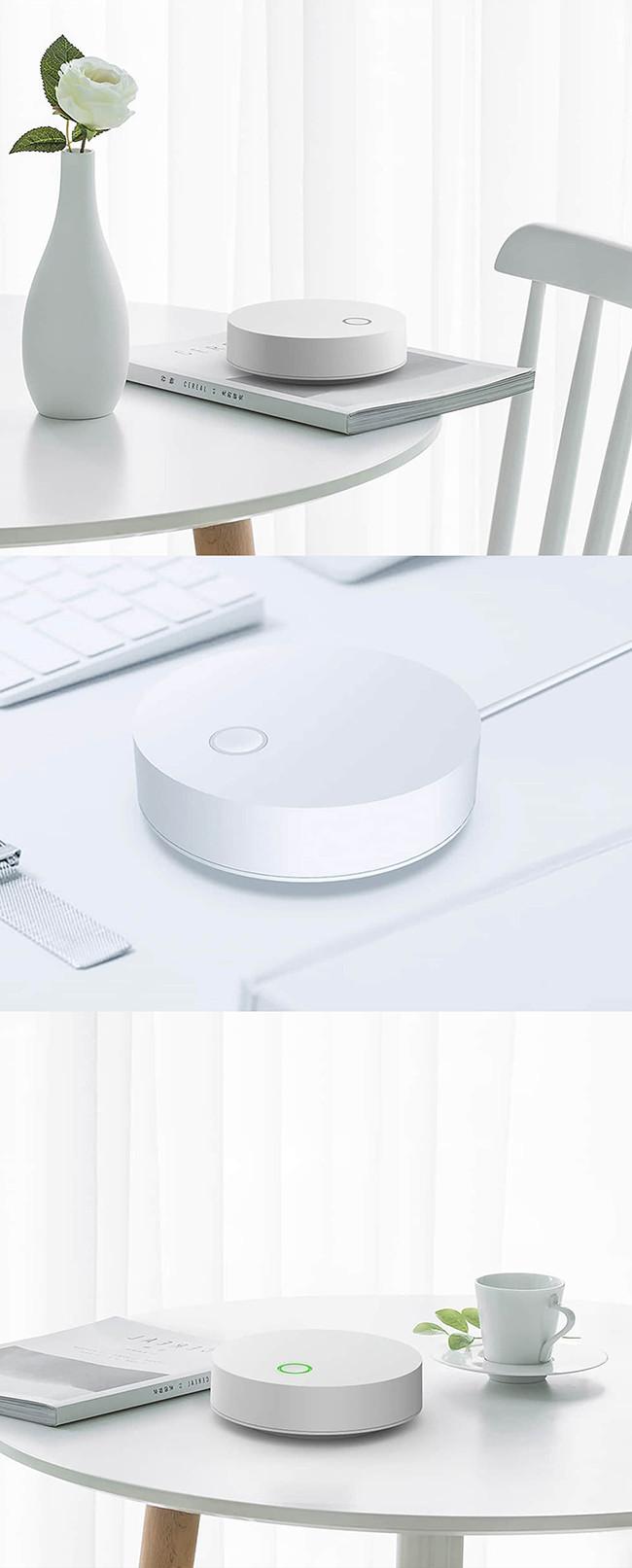
Tuya Wireless Zigbee Hub, Smart Gateway Support 32 Devices, External Power Adaptor
Function descriptions
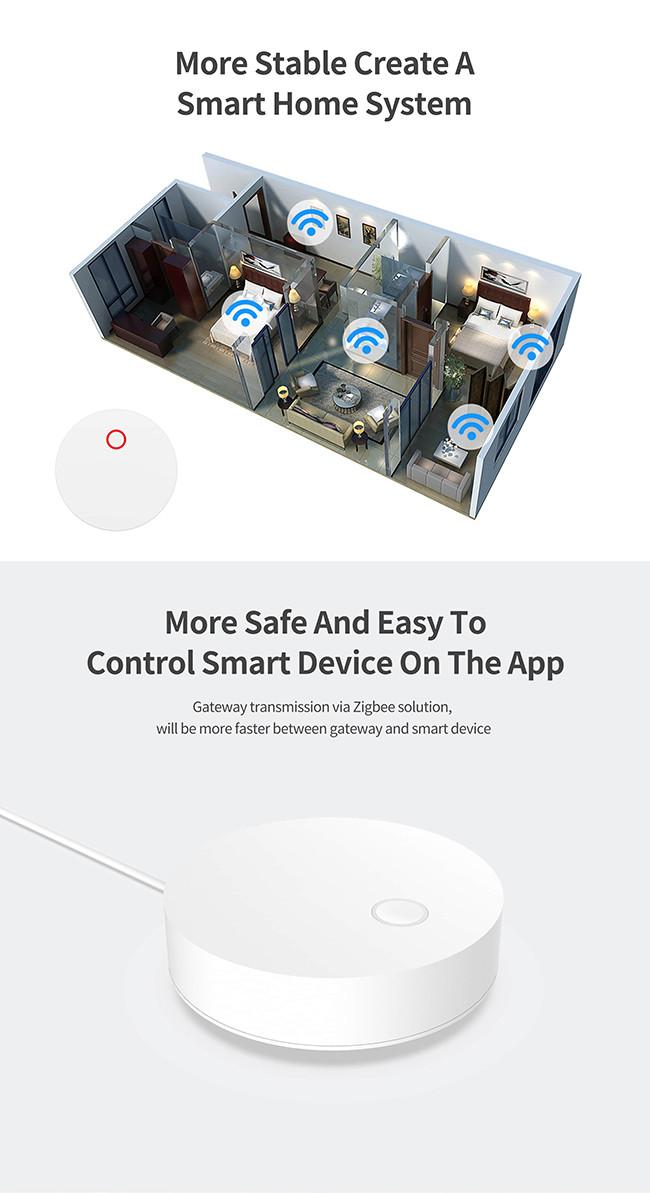
- Gateway transmission via Zigbee solution is much faster and more stable between gateway and smart device. Easy to control smart device on the APP.
- Tuya ZigBee smart wireless gateway supports a 2.4G WiFi network direct connection, and the device communication network is ZigBee 3.0.
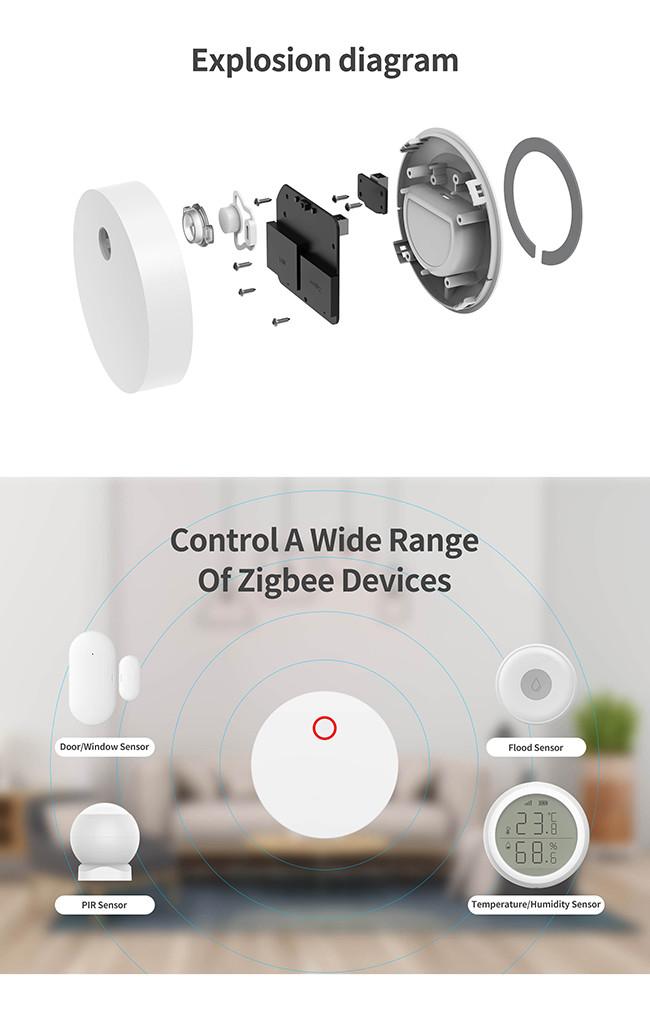
- Product function: Tuya ZigBee hub is used with ZigBee series products, including switches, cameras, sockets, sensors, door locks, electric curtains, infrared remote controls, etc.
- The Zigbee hub connects to a variety of ZigBee smart products and is the bridge and a control center for the smart home. Any ZigBee product needs to be used with a gateway. Our currently accessible devices support about 32pcs, which is enough for small houses or apartment buildings.
- The biggest advantage of the product is that it does not need to be connected to the network cable, it is plug and play, and it can be placed in any place with a socket to be powered on and used for networking.
Technical parameters
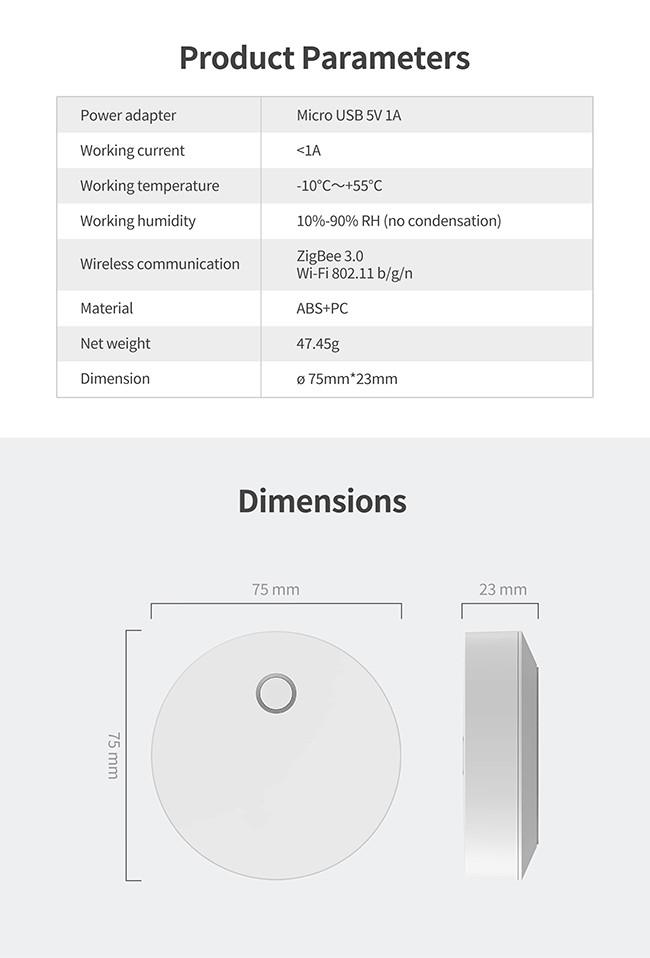
| Wireless Technology | Wi-Fi 802.11 b/g/n |
| Zigbee 3.0 | |
| Zigbee moduel | TYZS3 |
| Communication Distance | 100m (open air) |
| Working Voltage | Micro USB DC 5V |
| Working current | 1A |
| Working temperature | -10℃~+55℃ |
| Working humidity | 10%-90%RH |
| Connecting devices | 32 |
| Dimension | 75*23mm |
Status Indicator and Reset
Blue indicator: indicates the Zigbee status.
Blinking: Allow devices to access the network
Steady on: The Zigbee is inactivated.
Steady off: The Zigbee is activated
Red indicator: indicates the Wi-Fi status.
Red LED on, network-connected.
Red LED flash, the hub is ready for connection.
Red LED off, WiFi network is configured, but can not connect.
To reset the gateway, press and hold the reset button for 5s. If the blue indicator blinks several times, the gateway is successfully reset.
Similar Products
Get in Touch
Have questions about our products or want to discuss a custom order? Our team is ready to help you.
Company
SHENZHEN MULTI IR TECHNOLOGY CO., LTD.
Location
5-7th Floor, Building B, No. 8 North Shangxue Technology Park,Bantian, Longgang, Shenzhen, China
Contact Person
Ivy