
6mm Pixels Hdmi Wireless Dongle , Wifi Dongle For Screen Mirroring Multifunctional
Powerful Compatibility Wireless Presentation System
Powerful Compatibility Wireless Presentation System
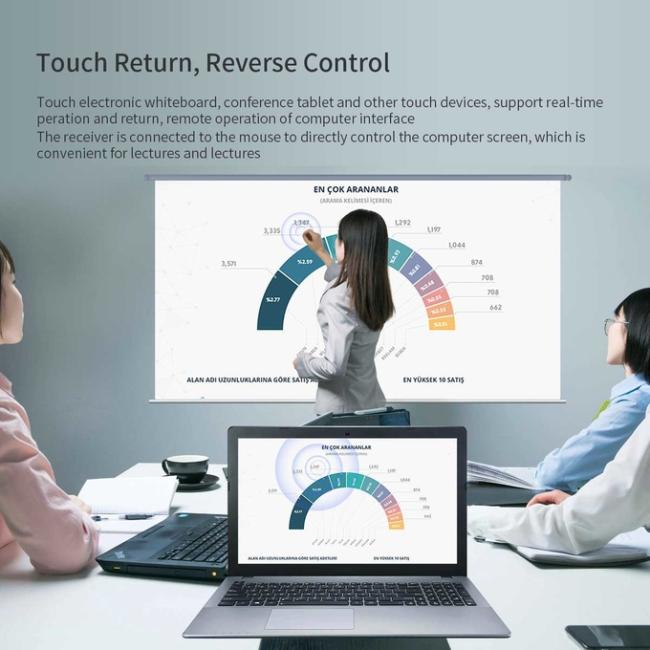

participant can then share their screen by pressing on their transmitter. To avoid unwanted interrupts the first participant must
confirm this by pressing the smaller button on their transmitter.


Is the wireless projection stable?
The most obvious advantage of wired connection may be its stability, but there is no need to worry about this when using wireless projectors. 2.4G+5G dual band switching is universal in 2.4G band, and it can pass through walls, 5G band anti-interference, high-speed transmission. It can automatically switch according to environmental signals, giving full play to the advantages of dual bands.
At the same time, it also supports a variety of intelligent devices such as Android/Apple/tablet/laptop, mainstream third-party video playback software on the market, and conference screen projection.
How to use the wireless projector?
1. Connect the display screen (projector, all-in-one machine) of the HDMI cable bar with the wireless projector host;
2. Plug the transmitter of the projector into the computer and press the projector button;
3. Android phones and tablets use their own [Wireless Projection] function or ESHOW projection software as the sending end for projection;
4. Apple phones, tablets and Macs use the built-in [screen image] function to project the screen.
Get in Touch
Have questions about our products or want to discuss a custom order? Our team is ready to help you.