
Drum Unit DK-5230 DK5230 DK-5231 DK5231 for Kyocera M5521cdw M5526cdw P5021cdw P5026cdw Printer
Reliable Performance: Designed for sustained, high-volume use, the DK-5230 (Black) and DK-5231 (Color) are rated at approximately 100,000 pages (based on 5% coverage).
High Quality: You get crisp, clear text and great pictures with no reverse-image contacts, shadow images, or streaking.
Cost-Effective: Designed so that you only need to replace the drum when it’s used up and not every time you change the toner.
Compatible: Rigorously tested to assure trouble-free use in the Kyocera ECOSYS P5021cdw, P5026cdw, M5521cdw, and M5526cdw printers.
Durable: Built stronger to resist the kind of misuse that can destroy cheaper drum units and damage your printer.
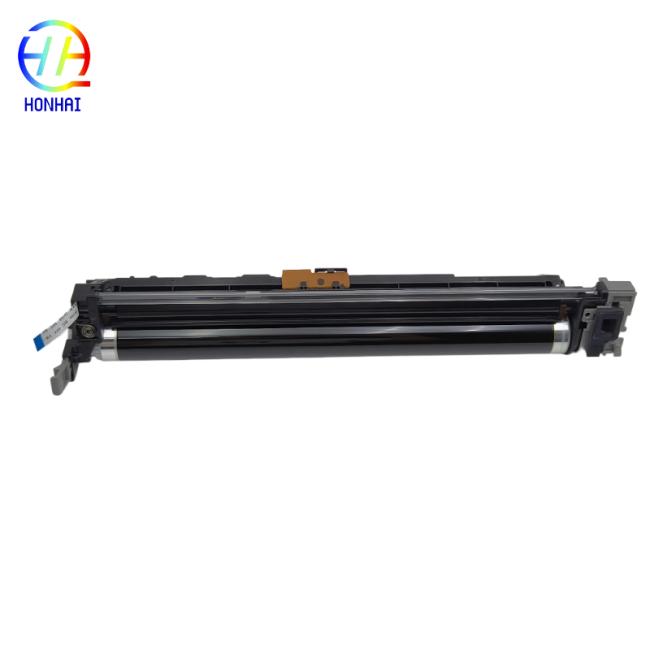
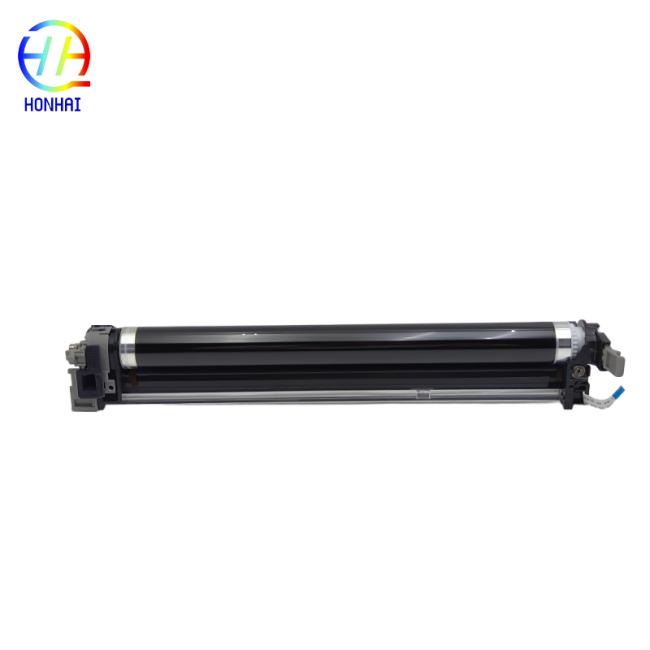
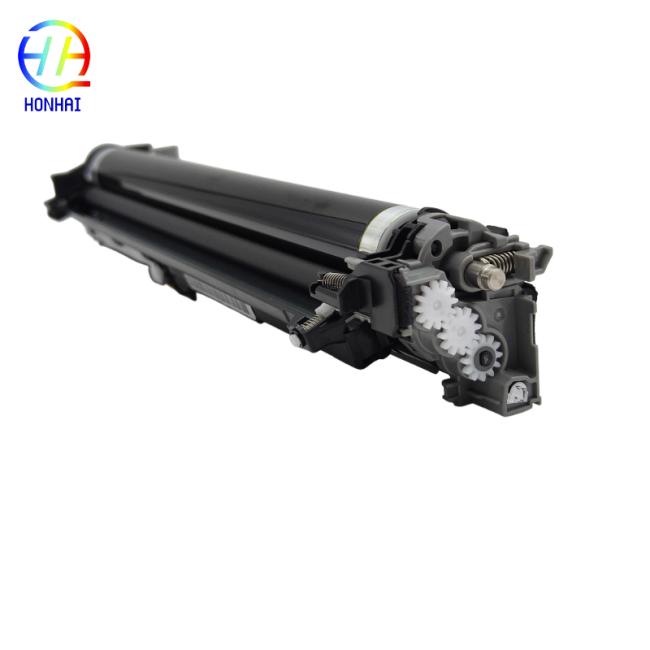
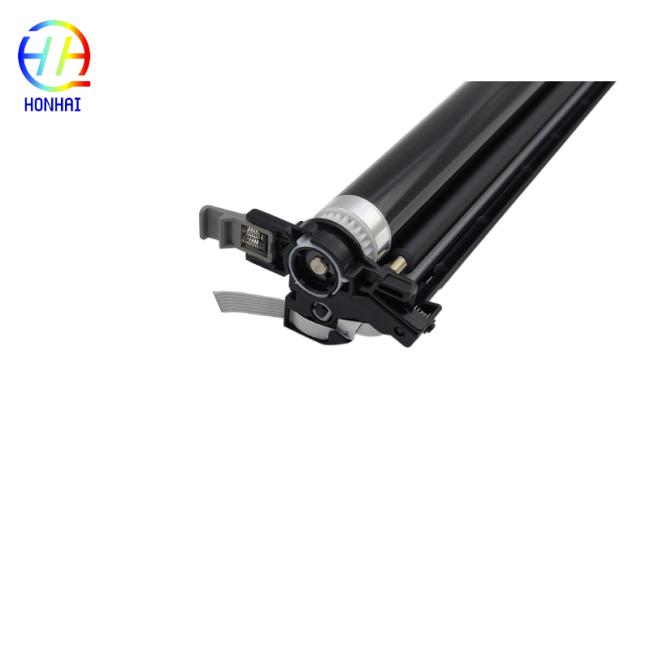
This Drum Unit is fully compatible with the following Kyocera ECOSYS models:
- Kyocera ECOSYS P5021cdn / P5021cdw
- Kyocera ECOSYS P5026cdn / P5026cdw
- Kyocera ECOSYS M5521cdn / M5521cdw
- Kyocera ECOSYS M5526cdn / M5526cdw
- Kyocera ECOSYS P5018cdn
- Kyocera ECOSYS M5021cdn
- Never expose the drum surface (the imaging roller) to direct sunlight or relatively strong room light for more than a few minutes. Otherwise, the photosensitive coating is permanently impaired.
- Do not touch the roller with your bare fingers. Oils and dirt from the skin will cause print defects. If touched, however, wipe lightly with a soft, dry, lint-free cloth.
- Store the drum unit in a cool, dry place (below 40° C) and in its original packing until immediately before installation.
- Turn your printer off and open the front cover.
- Remove the toner cartridges.
- Locate and release the drum unit lock lever, then gently pull the old drum unit toward you.
- Unpack a new DK-5230/DK-5231 drum unit and gently shake the unit side-to-side to distribute the different drum components evenly.
- With the unit still toward you, pull downward on its separator tab, then insert the drum unit in the printer until it snaps into position, and reinstall the toner cartridges.
- Close the front cover, turn the printer on, and print a test page to confirm the installation.
Get in Touch
Have questions about our products or want to discuss a custom order? Our team is ready to help you.