
Main Board For Borther DCP-L2540DW MFC-L2740dw
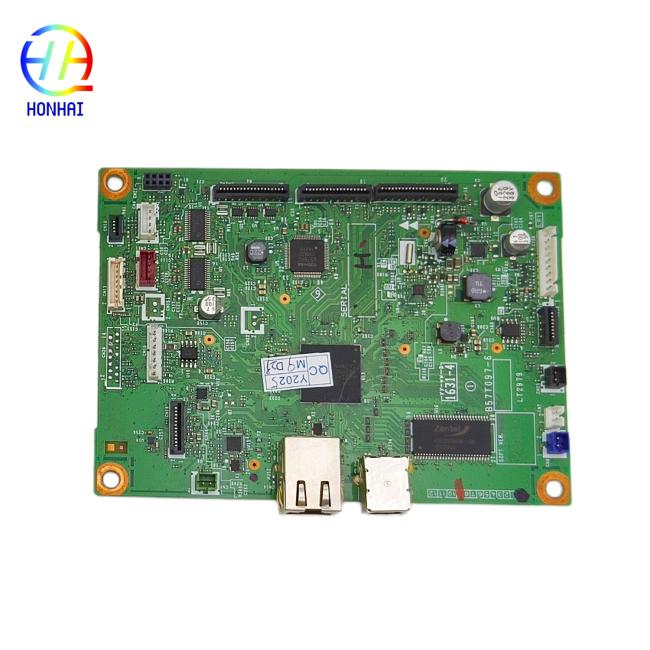
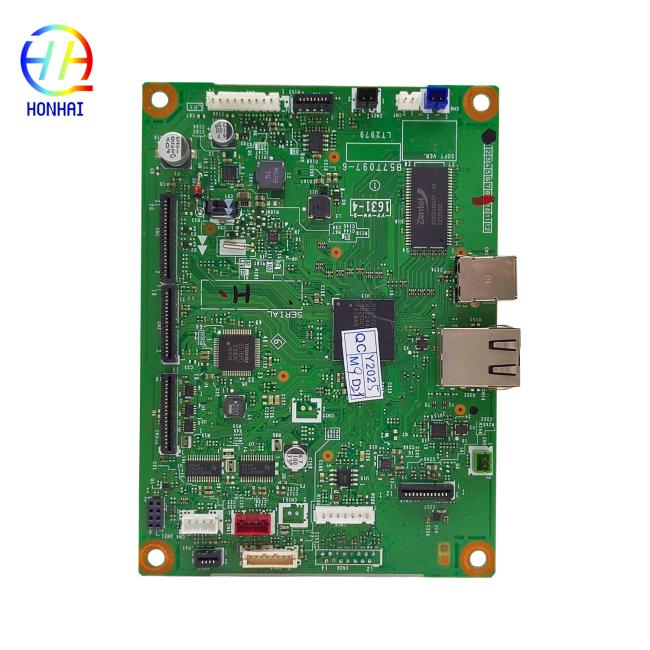
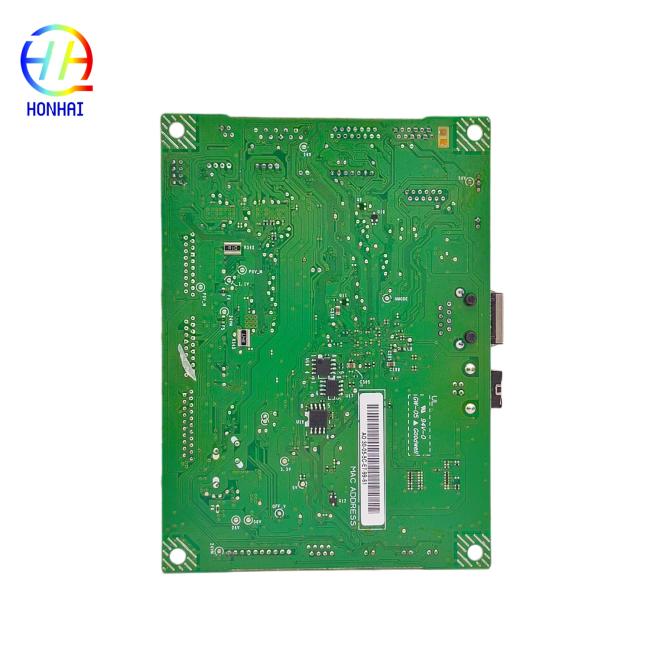
Restore your printer to original specifications with this high-quality Main Logic Board, specifically designed for Brother DCP-L2540DW and MFC-L2740DW multifunction printers. The main board is the "brains" of the printer, controlling all basic operations from printing to scanning to network (internet) communication.
If your printer is experiencing power failures, a control panel that doesn't respond, connectivity issues, or simply won't start, a bad main board is likely the cause. This replacement board is built to original equipment specs, ensuring effortless integration and dependable performance. Perfect for technicians and offices on a budget wanting to maximize the lifespan of their indispensable printers.
- Product Type: Printer Main Logic Board / Formatter Board
- Condition: Brand New / High-Quality Replacement
- Color: Green (PCB Board)
- Function: Controls printer operations, data processing, and interface connections (USB, Network, Wi-Fi)
- Compatibility: Strictly tested for Brother DCP-L2540DW and MFC-L2740DW series
- Package Includes: 1 x Main Logic Board
- Power Off & Unplug: Before attempting any repairs, strictly turn off the printer and disconnect the power cord and all interface cables (USB/Ethernet) to prevent any component damage.
- Verify Model Number: Double-check the model number on the label of your printer (usually located on the back or inside the front panel) to ensure it matches DCP-L2540DW or MFC-L2740DW.
- Handle with Care: Main boards contain sensitive electronic components. Hold the board by its edges and avoid touching the circuitry or connectors to prevent damage from static electricity.
- Professional Installation Recommended: Replacing a main board requires disassembling the printer's outer casing. If you are not experienced with electronics repair, we highly recommend having a qualified technician perform the installation.
- Firmware & Drivers: After replacing the main board, the printer may act as a new device. You might need to reinstall the printer drivers on your computer or update the firmware to ensure full functionality.
- Test Operation: Once installed, reconnect all cables, power on the device, and print a test page to confirm that the board is functioning correctly and communicating with your computer.
Get in Touch
Have questions about our products or want to discuss a custom order? Our team is ready to help you.