
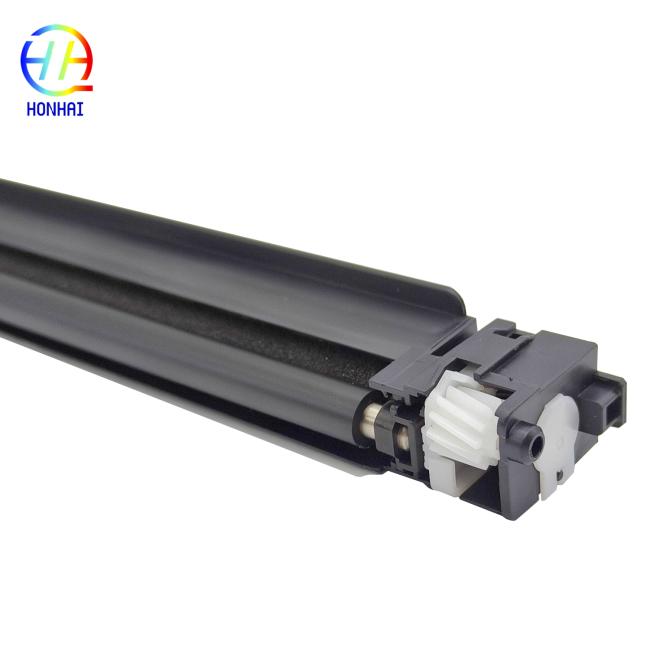
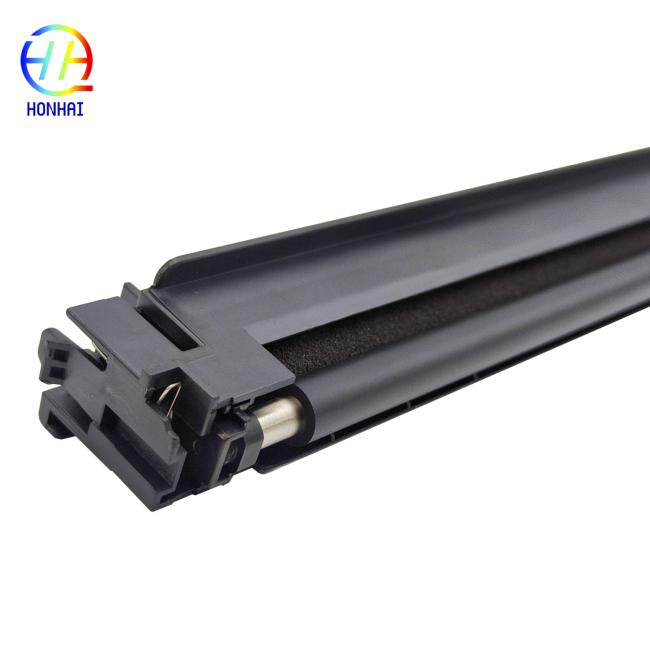
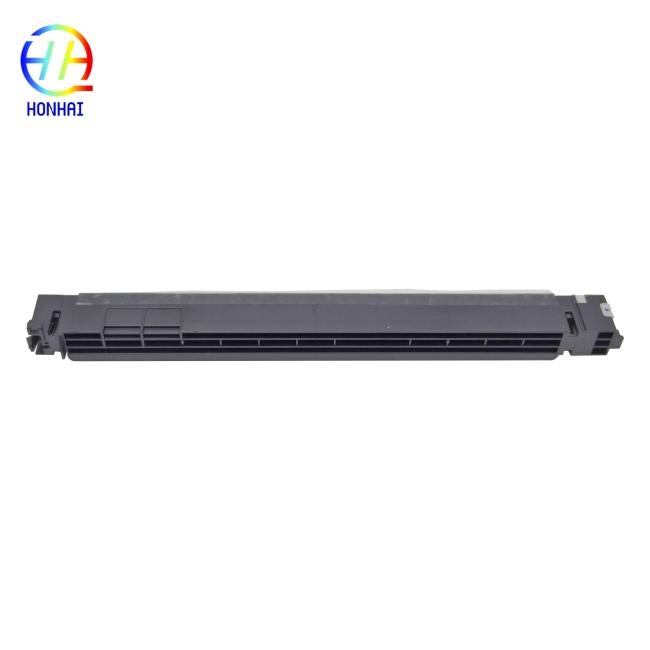
Main Charge Assembly MC-3100 for Kyocera MC-3100 (302LV93011) M3040 M3145 M3655 M3660 M3540 M3550 M3560 M3645 P3045 P3050 P3055 P3060 P3145 302LV93011 2LV93010 302LV93010
The high-performance Main Charge Assembly (MC-3100) will guarantee flawless prints and remove background noise from an ECOSYS Printer made by Kyocera. The charge assembly, also known as the charger unit and corona assembly, is the part of the printer that puts an even electrostatic charge on the drum. This allows for the toner to properly adhere to the surface.
The corona wire can eventually become worn or dirty. When this happens, you'll see print quality issues such as heavy background grayness, vertical black streaks, blurry text, or inconsistent print density. If you want to restore your printer to its original performance, the MC-3100 was engineered specifically for the Kyocera M3040, P3045, M3540, M3655, and associated series. Replacing your original charge assembly will provide you with the same sharp, professional documents every time, page after page.
- Part Name: Main Charge Assembly / Charger Unit / Corona Assembly
- Part Numbers: MC-3100, 302LV93011, 302LV93010, 2LV93010
- Condition: Brand New
- Compatible Printer Models:
- Kyocera ECOSYS M3040idn
- Kyocera ECOSYS M3145dn / M3145idn
- Kyocera ECOSYS M3540idn / M3540i
- Kyocera ECOSYS M3550idn / M3550i
- Kyocera ECOSYS M3560idn / M3560i
- Kyocera ECOSYS M3645dn / M3645idn
- Kyocera ECOSYS M3655idn / M3655i
- Kyocera ECOSYS M3660idn / M3660i
- Kyocera ECOSYS P3045dn / P3045dw
- Kyocera ECOSYS P3050dn / P3050dw
- Kyocera ECOSYS P3055dn / P3055dw
- Kyocera ECOSYS P3060dn / P3060dw
- Kyocera ECOSYS P3145dn
- Power Safety: Always turn off the printer and completely unplug the power cord before opening the machine or removing any internal components.
- Handle with Care: The assembly contains delicate wires and electrical contacts. Avoid touching the internal wire or metal contacts with bare hands, as skin oils can affect performance.
- Locate the Unit: Open the front or side cover of your printer (depending on the specific model) to access the drum and developer units. The main charge assembly is typically located directly above or integrated with the drum unit.
- Direct Replacement: Carefully unclip or unscrew the old charge assembly and replace it with the new MC-3100 unit. Ensure it clicks firmly into place and all electrical connections are secure.
- Test Print: After reassembling the printer, print several test pages to confirm that background graying and streaks have been eliminated and that print quality is sharp.
Get in Touch
Have questions about our products or want to discuss a custom order? Our team is ready to help you.