
Biocare PM-900 monitor printer cover plastic protect printer cover for patient monitor and device
Biocare PM-900 monitor printer cover plastic protect printer cover for patient monitor and device
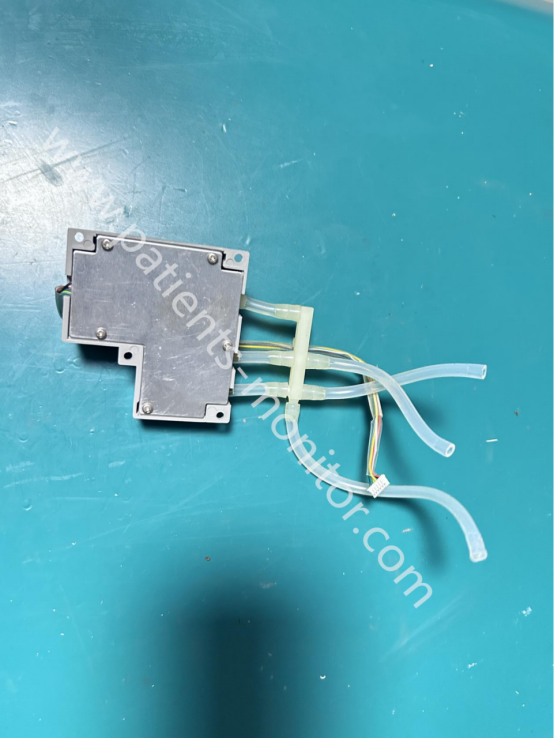
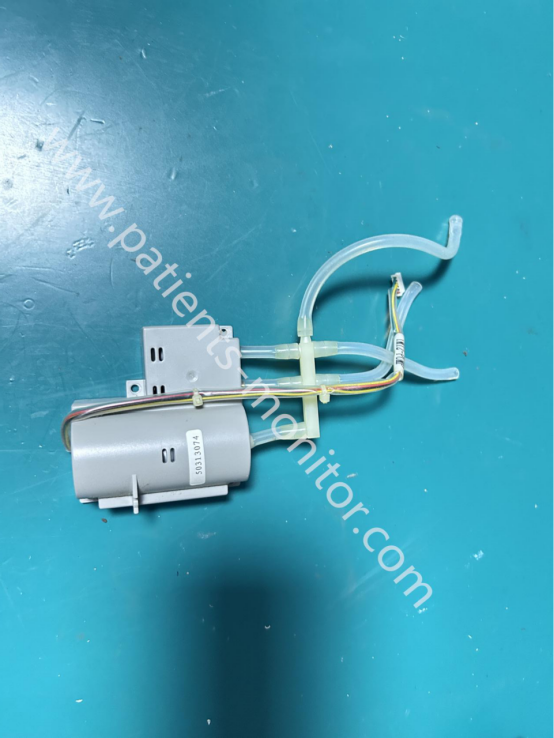
This product is a plastic protective case, predominantly gray in color. It was just removed from the machine and is considered a used product. Aside from minor signs of use, it functions normally. The clips on both sides of the case are intact and can be installed and used without issue. There is some loose adhesive on the surface, but this can be cleaned off. Our company has professional cleaning and packaging personnel who will conduct thorough cleaning, inspection, and testing before shipping, especially checking the clips for damage, to ensure the product's appearance and performance are perfect before shipment.
This case is a printer protective case for the Biocare PM-900 monitor, one of the outer protective cases. Its main function is to hold the paper in place within the print chamber, preventing paper movement during printing.
1. Printer Protection
Matches the size of the Biocare PM-900 monitor's printer compartment, forming a sealed space to prevent external dust and foreign objects from entering the device and affecting printing, causing paper jams, blurry prints, etc.
2. Printing Area Coverage
The printer cover covers the paper output tray, preventing accidental contact by staff during printing and preventing accidental paper slippage.
3. Appearance and Integrity
Seamlessly integrated with the monitor's main casing, maintaining the device's aesthetic integrity; the clips on the cover enhance the printer module's structural stability and prevent loosening.
4. High Durability
Made of ABS plastic, the printer cover is sturdy and durable; it also boasts high disinfection resistance, allowing it to withstand frequent disinfection in hospital wards, emergency rooms, and other areas requiring sterilization.
| Product name | printer cover |
| Machine Model | Biocare PM-900 monitor |
| Type | Parts |
| Condition | Used, Original |
| Material | ABS+Plastic |
| Color | Gray |
| MOQ | 1 piece |
| Package | 1pc/carton |
| Wight | About 30g |
Q1: What should I do if the cover plate doesn't lock properly?
A1: Check if the cover plate is deformed or if the clips are broken. If deformed or broken, replace the cover plate.
Q2: The paper is jammed. Do I need to remove the cover plate?
A2: Yes. You need to remove the printer cover plate first, then clean the paper jam inside the printer. After cleaning, reinstall the cover plate.
Q3: Can I still use the cover plate if it has scratches?
A3: It depends. If the scratches on the cover plate are minor and do not affect the overall seal, it can continue to be used. If the scratches are severe, it is recommended to replace it.
Q4: How do I remove the old adhesive residue?
A4: You can use a little rubbing alcohol or a specialized adhesive remover on a soft cloth to wipe away the residue. Avoid using sharp tools that might scratch the plastic surface.
| Payment Methods | Bank Transfer / PayPal / Western Union |
|---|---|
| Shipping Methods | DHL / FedEx |
Get in Touch
Have questions about our products or want to discuss a custom order? Our team is ready to help you.