
Comen C60 Patient Monitor Front Cover Replacement Housing Shell For Neonatal Intensive Care Unit
Comen C60 Patient Monitor Front Cover Replacement Housing Shell For Neonatal Intensive Care Unit
- Product Description
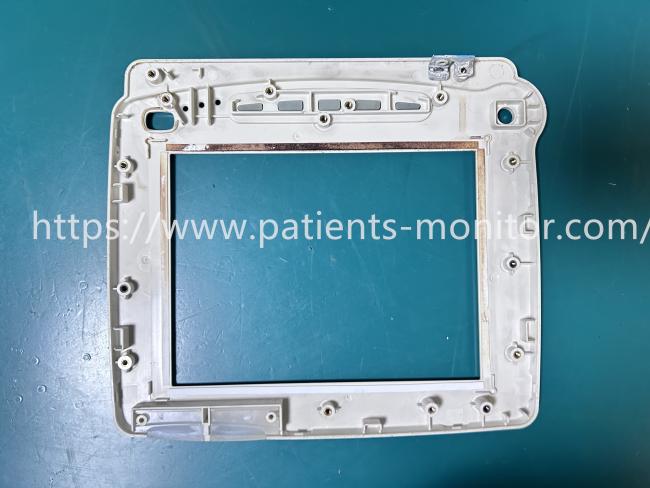
- Product Specifications
| Product Name | Comen C60 Patient Monitor Front Cover |
|---|---|
| Model | Comen C60 |
| Material | ABS Plastic |
| Function | Protects Internal Components |
| Connector Color | White |
| Warranty | 90 days |
- Use Tips
1. Installation Guidelines
Before starting the installation, please ensure the monitor is completely powered off and disconnected from the main power supply to prevent any short circuits. Carefully align the ribbon cables and internal connectors with the corresponding slots on the new front cover. It is crucial to handle the ribbon cables gently to avoid tearing. Once aligned, secure the housing using the original screws, ensuring they are tightened evenly but not over-torqued to prevent stripping the plastic threads.
2. Usage Tips
After replacing the front cover, perform a functionality check on all buttons (such as Silence, Freeze, and Menu) to ensure they are responsive. Wipe the new surface with a soft, lint-free cloth dampened with a mild hospital-grade disinfectant. Only use mild, non-abrasive cleaning agents. Do not use solvent-based cleaners.
Get in Touch
Have questions about our products or want to discuss a custom order? Our team is ready to help you.