
316698 56T 00789M Board Wiring Harness To Three-Prong Power Connector for GE Pro1000 Power Management
316698 56T 00789M Board Wiring Harness To Three-Prong Power Connector for GE Pro1000 Power Management
- Product Description
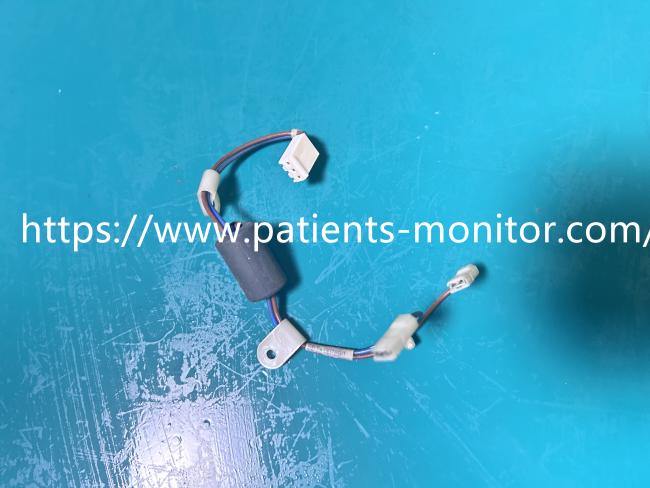
- Product Specifications
| Product Name | Patient Monitor Power Board Wiring |
|---|---|
| Model | 316698 56T 00789M |
| Material | PVC, Copper, Ferrite |
| Function | Power Transmission & Grounding |
| Connector Type | 3-Pin Connector |
| Warranty | 90 days |
- Use Tips
1. Power Off:
Before installing or replacing this harness, please ensure the monitor is powered off and the external power cord is unplugged.
2. Open Case:
Use a screwdriver to open the rear cover of the monitor.
3. Locate Connection:
Find the power management board, unplug the old harness's white connector, and unscrew the grounding terminal.
4. Install New Part:
Insert the new harness connector into the corresponding socket on the power board and tighten the grounding terminal to the metal chassis or ground pad.
5. Cable Management:
Ensure the wiring route is natural and not pinched by the case.
Get in Touch
Have questions about our products or want to discuss a custom order? Our team is ready to help you.