
High Speed Shipping Thermal Label Printer 3 Inch USB LAN Bluetooth Barcode Label Printer
High Speed Shipping Printer 3 Inch Direct Thermal USB LAN Bluetooth Barcode Label Printer
Product Description:
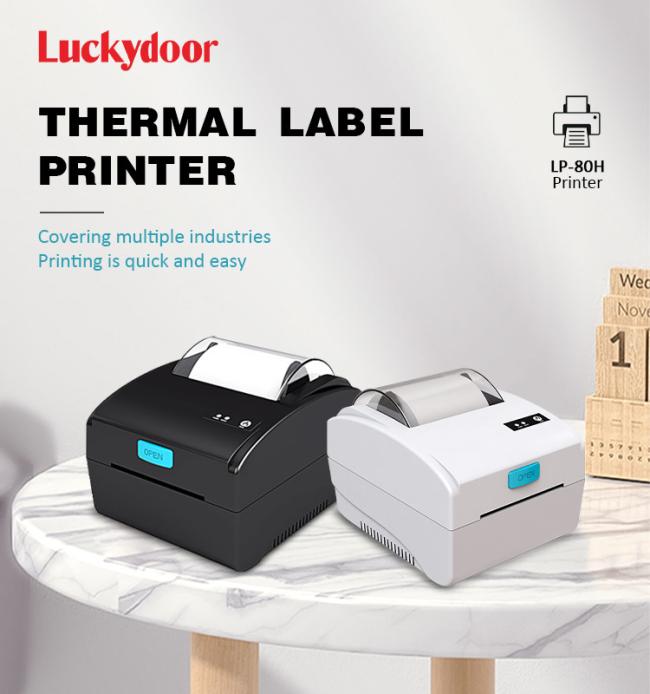
The LP-80H thermal label printer made for thermal printing inventory and shipping labels. The label printer gives you rock solid performance with serial and parallel port thermal shipping label printing that uses no ink! The LP-80H printer is prints up to 3 inch/second (3 ips) great resolution. It is made with super-strong ABS plastic and is built to be operational and reliable for years of label printing.
The LP-80H label printer easily integrates with your current desktop or business ecosystem to do many printing jobs, including shipping labels and other business labeling applications, like inventory labels. Some places these printers are used include: receiving and shipping, control of inventory, medical facilities, auto transportation, shipping and logistics, plus many e-commerce postage applications. Serial, parallel makes the LP-80H perfect for your legacy system thermal label printing jobs.
Product Features:
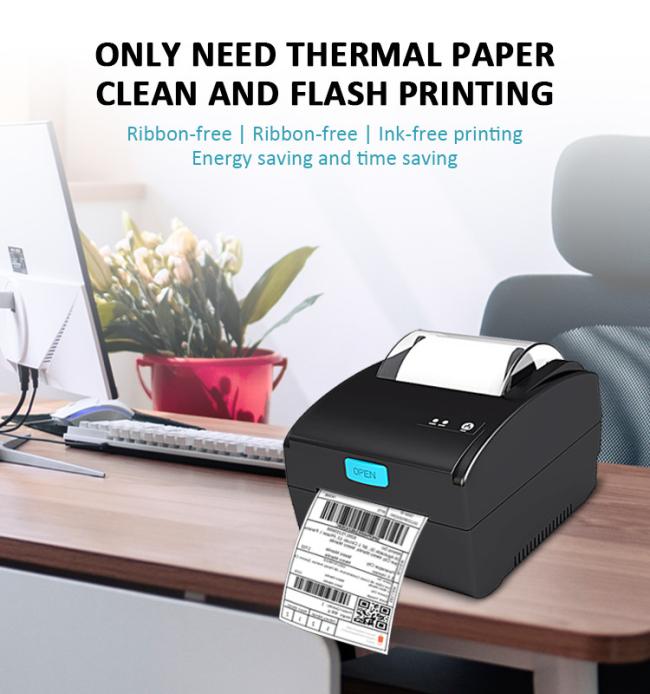
- Efficiency & Saving Money - thermal label printer adopts an upgraded ceramic semiconductor print head, which can provide more clear and quite eco-friendly, Using thermal printing paper that has an adhesive back saves your cost of ribbon and ink. Phomemo label printer, Designed for small business owners!
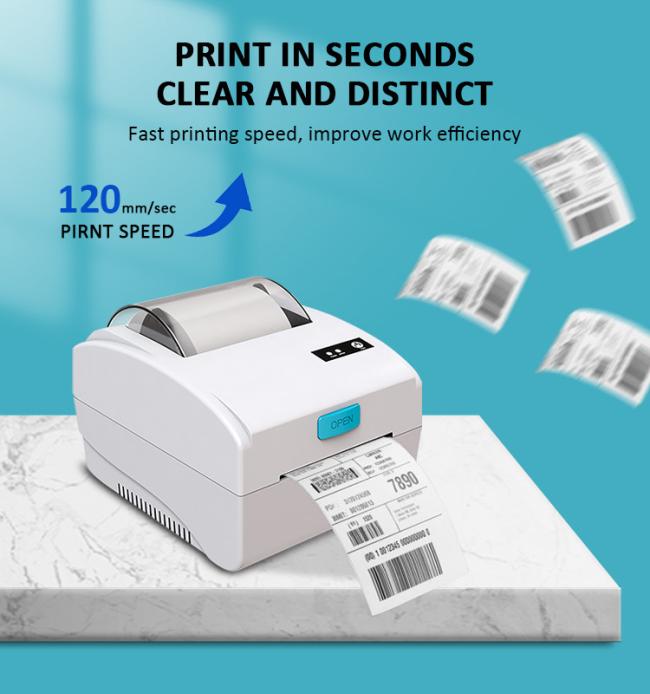
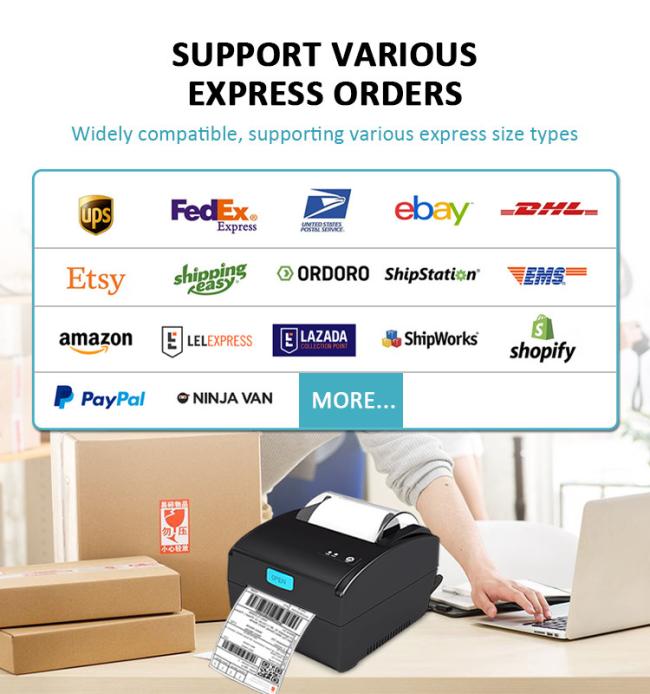
- Wide Compatibility - thermal printer for shipping labels supports labels width from 20-80mm (Max 576 points). It’s compatible with major transportation and sales platforms such as USPS, Shopify, UPS, Etsy, eBay, Amazon, Poshmark, ShipStation, Shippo, Ordoro, etc.It can print up to 76 labels per minute(120mm/s).Print efficiently and conveniently.
- One-Click to Setup - Desktop shipping label printer compatible with Windows and Mac. We provide a USB flash drive that includes video tutorials for printer driver, an installation guide, and a setup guide., It only takes you a few minutes to set up.
- Auto Label Detection - mailing label printer could adjust the position automatically and precisely with the intelligent paper return function, Which makes the whole process convenient and fast. You won’t waste any labels.
Product Specification:
| Specifications | |
| Interfaces | USB / LAN/ Bluetooth (optional) |
| Print Command | TSPL command (CPCL/ESC/POS command-optional) |
| Print Method | Direct Line Thermal |
| Pirnt Speed | 120mm/sec |
| TPH Life | 50 KM |
| Resolution | 203DPI (8dot/mm) |
| Inner Code | Supported 11 types font size |
| Print parameters | Support to download the Logo trademark |
| Media Sensor | Dual-media sensors: transmissive and reflective |
| One-dimensional code | UPC-A / UPC-E / JAN13 (EAN13) / JAN8 (EAN8) / CODE39 / ITF / CODABAR / CODE93 / CODE128 |
| Two-dimensional code | QR Code, PDF417 |
| Paper | |
| Printer Driver | Win2003 / WinXP / Win7 / WIN8 / WIN10 / WIN11 /MAC OS ; Support IOS / Android |
| Power Adapter | Input:AC 110V/220V, 50~60Hz ; Output:DC 24V/1.5A |
| Thermal Paper Types | continuous paper, label paper, folded paper, tag paper |
| Effective Print Width | 20-80mm (Max 576 points) |
| Available Max Paper Width | 100mm (MAX) |
| Diameter of Paper Warehouse | 76mm |
| Paper Thickness | 0.06-0.30 mm |
| Package | |
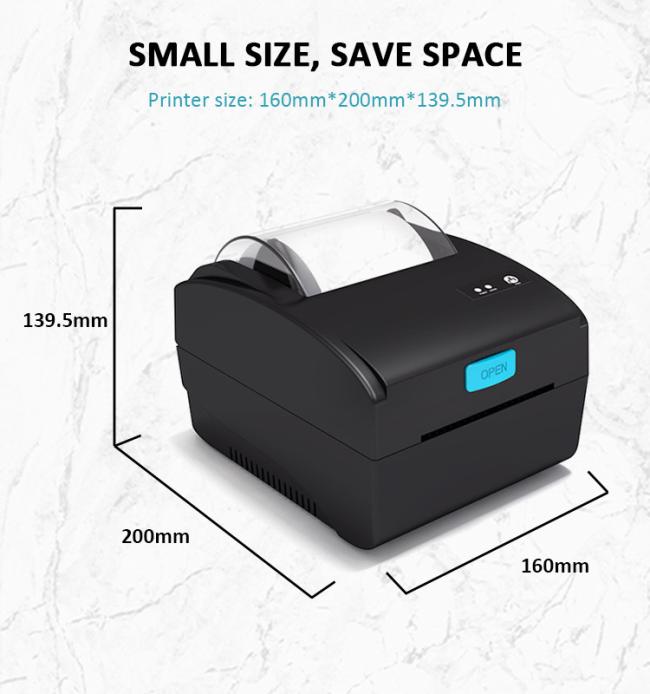
| Printer Dimension | 200*160*139.5mm |
| Unit Weight | 1.40kgs (with accessories) |
| Pieces Per CTN | 8 Pieces |
| Printer Color | Black / White |
| CTN Dimension | 49 x 46 x 36 cm |
| Gross Weight | 12 kgs |
| Environmental | |
| Operating Temperature | +0 ℃ ~ 50 ℃ (no condensation allowed) |
| Working Humidity | 20% ~ 85% RH (no condensation allowed) |
| Storage Temperature | -20 ℃ ~ 60 ℃ (no condensation allowed) |
| Storage Humidity | 5% ~ 95% RH (no condensation allowed) |
| Mechanical Noise | less than 60dB (A weighted RMS) |
| Accessories | |
| USB Cable | 1 Piece |
| Power Adapter | 1 Piece |
| Power Cable | 1 Piece |
| Manual | 1 Piece |
Product Pictures:

Product Applications:
Logistics company, Warehose, Express Company, Home, Office, Supermarket
FAQ:
Q. Why does my printer print poor quality?
A: Reason 1.Cover is not completely closed
Reason 2.Poor quality of labels
Reason 3.Margins and paper size
Reason 4.Print density and speed
Reason 5.Dust or adhesive on printhead
Please check the reason and deal with it with the Quick Start Guide.
Q. Why does my printer print blank labels?
A: Reason 1.Your labels are loaded in upside down
Reason 2.Ensure your labels are ‘Direct Thermal" labels
Reason 3.Try to print out test pages
Get in Touch
Have questions about our products or want to discuss a custom order? Our team is ready to help you.