
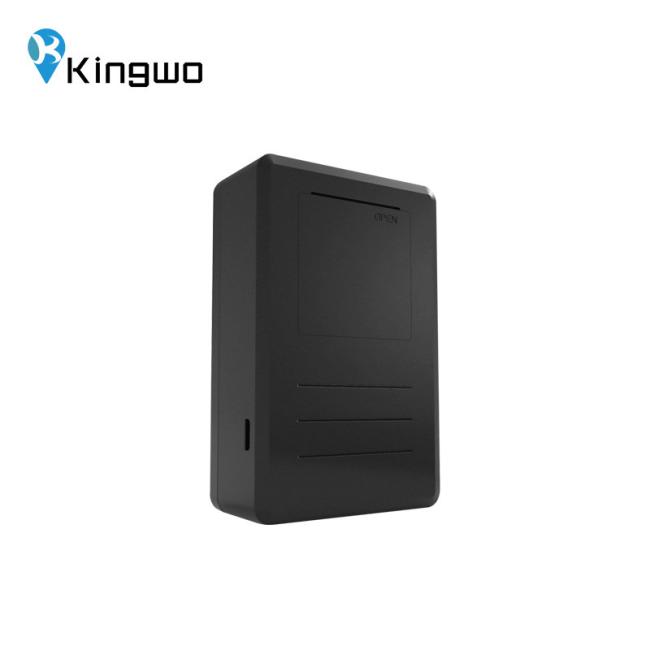
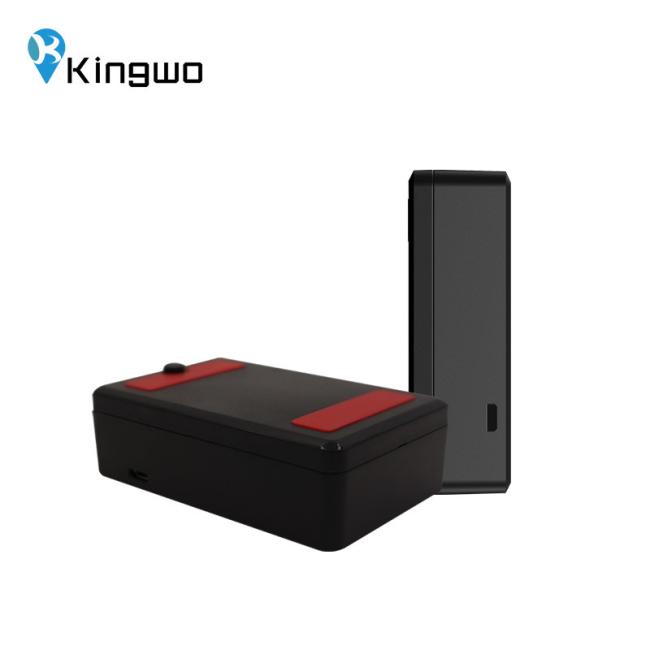
Handheld 5600mAH Rechargeable Hidden Gps Tracking Device Assets Non Powered Tracker
Mini Hand Held Wireless Micro Non-powered Assets Tracking GPS Mini Rechargeable GPS Tracker
5.2Installation and debugging process
5.2.1 SIM card installation
Open the top cover of the terminal, insert the prepared SIM card into the SIM card holder, and then confirm that the SIM card button is well placed . Please make sure that the SIM card has the GPRS function available in advance and write down the SIM card number.
5.2.2 Main unit power on
After installing the SIM card, turn the battery switch to the ON position. When the red light starts to flash, indicating that the terminal is powered on.
5.2.3 Parameters setting
TCP/UDP connection mode setting
For example, the client's server IP is: 119.145.40.64, port number: 8881. If it is connected by TCP, use SMS to edit: *88*1119145040064*8881*1#; if it is UDP connection, edit: *88*1119145040064*8881*0#. The terminal will reply: set ok, the setting is successful.
5.3Important Parameter Setting
5.3.1 Upload interval setting
Command format: HC, <T1>, <T2>#
Command description: T1: Start upload interval, the value range is 5-300 seconds, the default is 15 seconds.
T2: Sleep interval, ranging from 300 to 1800 seconds, defaulting to 600 seconds.
For example: HC, 30, 300# Set the data upload time to 30 seconds and the sleep upload time to 300 seconds.
5.3.2 Position mode
Command format: LBS, A#
Command description
A=2 close positioning function; A=1 pure base station positioning mode; A=0 base station positioning, GPS positioning, AGPS; default A=0
Example: LBS, 1# Enter pure base station positioning mode, turn off GPS module
5.3.3Latent mode (optional)
Wired terminals can be set to the latent mode, in this mode, the wake-up time and alarm mode can be set.
Command format: HIDE, A#
Command description: Set the latency mode, A=1 On A=0 off
To set the upload interval in latent mode, it needs to send two commands: one: HIDE, 1# 2: HX, 30#
Command description: In latent mode, the terminal wakes up once every 30 minutes. The first command on behalf of the terminal enable the latency mode, the next command is to set the upload interval, the range is similar to wireless terminals: 10 ~ 43200min).
Set clock mode for the wired terminals while in latent mode:
Command Description: Set a multi-point upload parameter, maximum 4 time points T1...T4, you can set one or more clocks if required, maximum supports 4 clocks.
Example: HIDE, 1# WAKEUP, 0800, 1200, 1600, 2000#;
They are all clock points, and the terminal will wake up at 8:00, 12:00, 16:00, and 20:00, and upload the terminal parameter information.
Note: The latent mode function is optional, two commands need to be sent You need to send two SMS commands separately to set them one by one. Please use them with caution!
Specification
| Characteristics | Description |
| Built in battery specification | Rechargeable polymer lithium battery (3.7V, 5600mAH) |
| Working current | Average Current<100mA;Power save<10mA |
| Dimension |
92mm*59mm*24.5mm (L*W*H)/LT03 92mm*59mm*30mm(L*W*H)/LT03C |
| Weight |
148±5g(LT03) 200±5g(LT03C) |
| Working Temperature | -20℃~70℃ |
| Storage Temperature | -40℃~85℃ |
| Relative Humidity | 5%~95% |
| Frequency |
4Gnetwork:TDD LTE/FDD LTE 3Gnetwork:WCDMA 2Gnetwork:GSM/GPRS |
| GNSS Parameter |
GPS L1:1575.42MHz; BD B1: 1561.098MHz(Optional) |

Get in Touch
Have questions about our products or want to discuss a custom order? Our team is ready to help you.