
230V Smart Light On Off Wifi RoHS 2.4GHz 3 Gang Wifi Light Switch
| Color | White/Black/Gold/Grey |
| Gang | 1Gang/2Gang/3Gang/4Gang |
| Material | PC+ Toughened Glass Panel |
| Voltage | 220-240V 50/60Hz |
| Current | 10A |
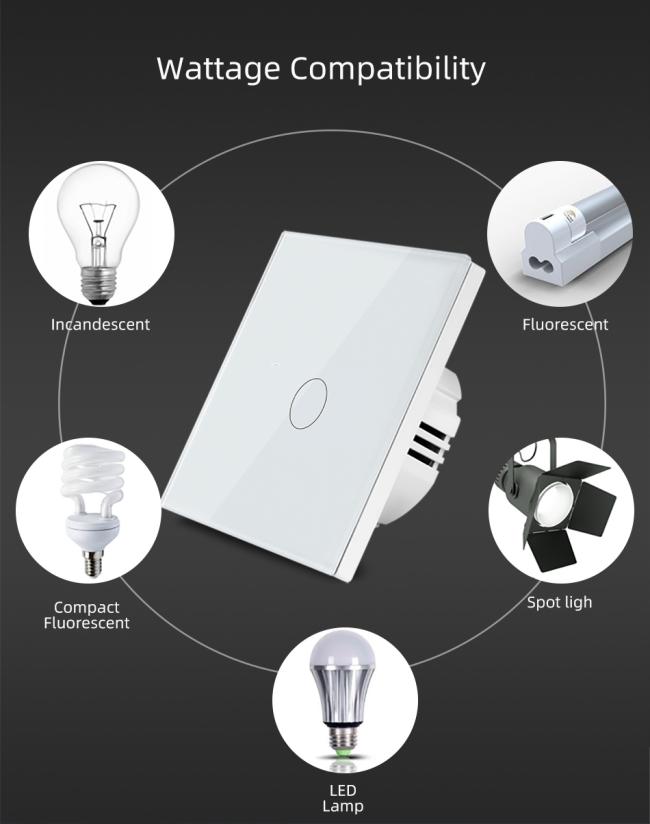
| Rated Load | 5-150W/Gang |
| Power Consumption | ≤0.5W |
| Working Temperature | 0℃~40℃ |
| WIFI Standard | IEEE 802.11bgn 2.4Ghz |
| Support System | Above iOS 8.0 or Android 4.3 |
| Hub Requirement | No |
| Network Security | WPA/WPA2” |
| Control Mode | APP/Manual |
| Certification | CE, RoHS |
| APP | Tuya Smart/Smart Life |
Why choose our Smart Light Switch?
✅Countdown Timer
✅Voice Control+App Remote Control
✅Vacation Mode
✅Great home decor,modern fashion design
- 【Safe and durable】The smart wall switch is made of scratch-resistant and waterproof tempered glass panel and PC V0 fireproof to prevent most accidents from happening, so you can use interruptor inteligente with confidence.
- 【Remote Control】 The user can use a smartphone to remotely control the home electronics remotely anytime, anywhere as long as the phone has 2G / 3G / WIFI network compatible with iOS and Android. operating system with Smart Life or Tuya app.
- 【Voice Control】Compatible with Amazon Alexa (Echo / Dot / Dot / Tap), Google Assistant, IFTTT. Flight ticket counter with Amazon Alexa or Google Home to turn your switch on or off with your. voice, No hub required.
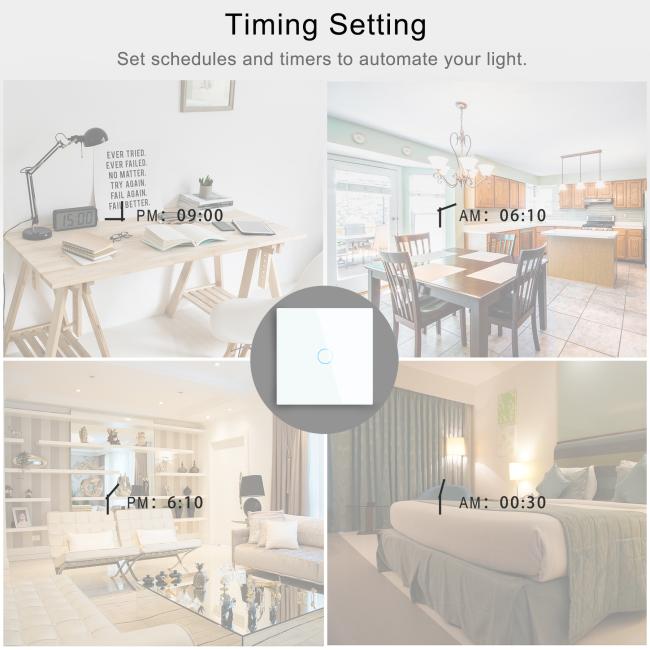
- 【Timing】The intelligent timer switch will automatically turn on after setting a timer for this switch, which is essential for daily scheduling, and bring you a comfortable and intelligent lifestyle.
- 【Tips】Neutral wire is required in this switch.At the same time, when connecting the smart switch, please make sure you are using 2.4GHz WiFi.If you have any questions about the use of the product, please contact us and we will tell you how to use it as soon as possible.
-
Tips--App
Be sure that you are using 2.4GHz WiFi when connecting with the smart bulb. And WiFi must be detectable status. Many routers have 5 GHz and 2.4 GHz network and your phone will always automatically connect to the 5 GHz network. So, you have to completely turn off your 5 GHz network by going to your router settings (enter the router IP address into your internet browser, usually something like 192.168.1.1), forcing your phone to connect to the 2.4 GHz network.In addition, the router encryption mode must be WPA2-PSK type and the authentication type must be AES
Notes:
1.Make sure this is the correct application type of item before placing order.
2. Measurement of the item lying on the table may cause 1-3cm difference, please note the sizes for it doesn't fit all people. Please view the details of the size information before your purchase.
3.The real color of the item may be slightly different from the pictures shown on website caused by many factors such as brightness of your monitor and light brightness when photo taking. ![]()
![]()
Get in Touch
Have questions about our products or want to discuss a custom order? Our team is ready to help you.