GCE 1500V ESS High voltage lithium battery management system BMS quality long life solar energy storage system
Product system overview
![]()
Description
A battery management system (BMS) is an electronic system that monitors and controls the charging and discharging of a battery. It is typically used in applications where multiple batteries are connected in series or parallel, such as electric vehicles, renewable energy systems, and backup power systems.
Application scenarios
◎ PV power plant storage
◎ Island off-grid energy storage
◎ optical storage charge integration applications
◎ UPS power supply
![]()
|
|
Rated current
|
200A
|
|
operation voltage
|
300V-1500V
|
|
Power consumption
|
≤15W
|
|
Current sampling accuracy
|
1%FSR
|
|
Insulation withstand voltage
|
4000VDC <1mA 1min
|
|
Protection level
|
IP20
|
|
Size(W*H*D)
|
482*180*500(mm)
|
|
New Weight
|
~22Kg
|
|
Communication
Interface
|
Communication port with BMU
|
CAN
|
|
Communication port with UPS
|
RS485/CAN
|
|
Communication port with SBMS
|
RS485/CAN
|
|
Communication with monitoring software
|
Ethernet
|
|
Basic Function
|
Battery charge & discharge management
|
Available
|
|
Battery temperature management
|
Available
|
|
IAP Upgrade
|
Available
|
|
System protection parameter setting
|
Available
|
|
Short circuit protection
|
available(1500V 20KA 20ms)
|
|
Pre-charge function
|
Available
|
|
Parallel circulation control
|
Available
|
|
Event record
|
Available(5000)
|
|
Dual power supply
|
Available(Battery + municipal power
supply, municipal power in priority)
|
|
Optional function
|
Insulation detection
|
Suitable for systems with voltages above 300V
|
|
HMI display
|
3.5 inches, 7 inches optional (external)
(optional)
|
|
Stand-alone or parallel function
|
Set up before leaving the factory
|
|
Dry contact
|
Maximum 2 dry contact outputs (optional)
|
|
Color
|
RAL7035 Grey white
|
|
Installation method
|
Suitable for standard 19-inch rack installation
|
|
Incoming and outgoing wire method
|
Front side in and front side out.
|
|
Operating ambient temperature
|
-20℃~60℃
|
|
Operating ambient humidity
|
5%~75%RH
|
|
Comply with National standards
|
GB/T 16935.1 GB/T 17626.2 GB/T
17626.5
|
|
Certification
|
Comply with CE certification standards
|
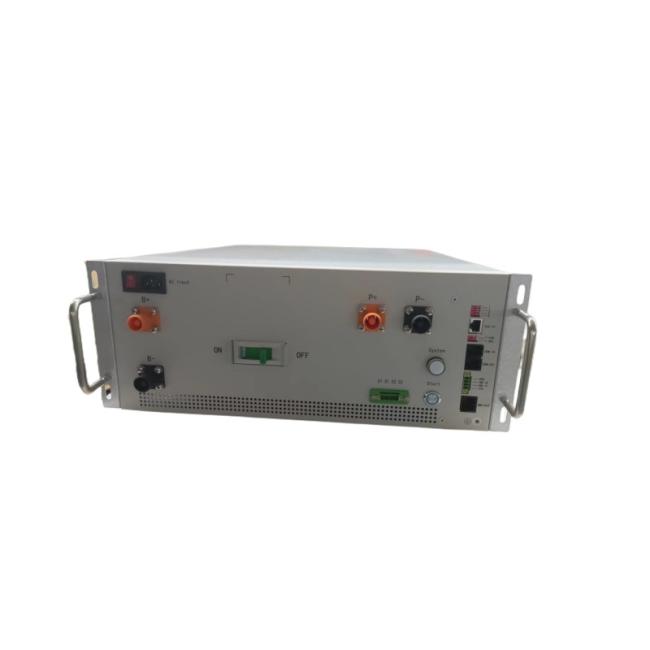
RBMS Interface Description
![]()
|
No.
|
Name
|
Description
|
Precautions
|
|
1
|
B+ B-
|
Connect to the battery's total positive and total negative
|
Quick plug connection
|
|
2
|
P+ P-
|
Connect to the charging equipment (PCS) or DC bus
|
Quick plug connection
|
|
3
|
AC Input
|
The municipal power supply input port must be taken from the UPS/Inverter output side
|
85~264VAC 1A max
|
|
4
|
ON OFF
|
ON: The circuit breaker is ON.
OFF: The circuit breaker is disconnected
|
When the handle of the circuit breaker is in the trip state in the middle position, it needs to be turned OFF before it can be closed again.
|
|
5
|
D1 D1 D2 D2
|
Two dry contact output reserved
|
The default D1 is charging prohibited, D2 is discharging prohibited
|
|
6
|
Start
|
DC start button: start the RBMS system By taking power from the battery side.
|
The system is connected to the battery, and after the circuit breaker is closed, press and wait until the light is on to indicate
that the system is on
|
|
7
|
System
|
System status indicator
|
System normal: Green
Alarm: yellow light
Self test failure and protection status: red light
Charging: green light flashes
Discharge: red light flashing
Self checking: red and green flashing alternately
Pre-charging: yellow flashing
|
|
8
|
1 2 4 8
|
ID allocation: When multiple RBMS are
used in parallel, the ID are allocated by
setting the DIP switch. Must start at 1
|
There are 4 DIP switches in total, supporting up to 15 RBMS in parallel
1 ON: ID+1
2 ON: ID+2
3 ON: ID+4
4 ON: ID+8
|
|
9
|
TCP/IP
|
The RBMS host computer system software can be connected to the PC through the network cable
|
Network cable standard CAT5 or above, crossover cable or straight cable can be
used, the line sequence can be according
to the standard TIA-586A or TIA-568B
|
|
10
|
T-CAN
T-485
|
Terminal matching resistance setting
during can and 485 communication
Setting Description: (120R), on is valid
|
In parallel application, only the last one needs to be set. In stand-alone application, it can be used flexibly according to site conditions (interference, communication distance, etc.).
|
|
11
|
COM-IN
COM-OUT
|
RBMS external communication port: When multiple RBMS in parallel: Communication with SBMS
When RBMS Stand-alone: communicate with UPS/PCS external devices
|
The shielded twisted-pair cable harness
must be used randomly. The cable
sequence is defined in the cable harness
label
|
|
12
|
GND
HMI-B
HMI-A
24V
|
1.For external display connection
2.For powering SBMS
|
Please connect the display screen according to the silk screen sequence
|
|
13
|
BMU-OUT
|
Communication interface with BMU
|
Cascaded communication between BMU
|
|
14
|
㊤
|
RBMS chassis ground
|
Must be grounded, and the grounding
resistance is less than 1Ω
|
1024V 200Amp 4U RBMS
Communication protocol : Rs485,CAN, LAN
* 4U standard 19inch case
* Efficient, stable and reliable
* size:W485*H180*D550mm
Accessories
8S-24S BMU(Slave)
8S-24S BMU has 8pcs of tempreture sensors, Fan voltage 48V(17S-24S 12V), voltage detection range 0-5V,12V power supply,consumption less 20mA, CAN2.0 B communication
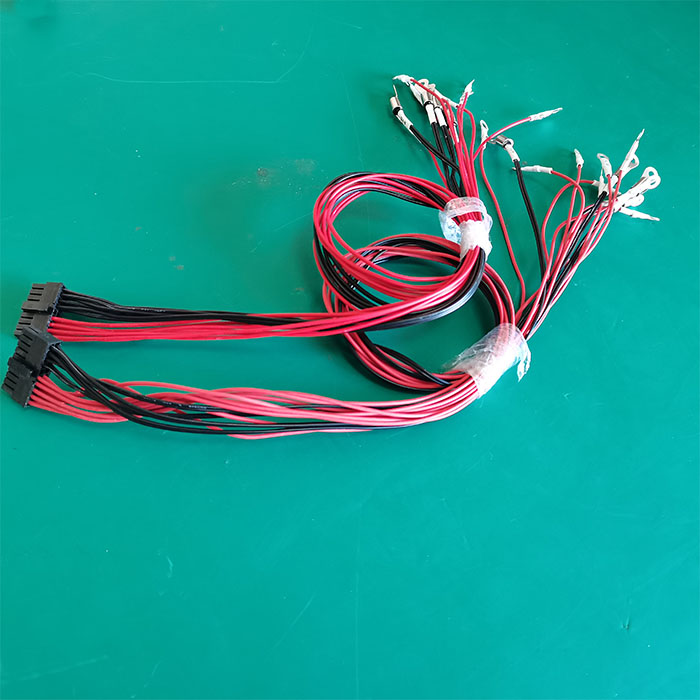
Wire harness-Signal acquisition wire
18 Pin+20Pin wire, standard length is 600mm,900mm,1200mmtempreture sensor. wire: standard length is 600mm,900mm,1200mm
Fan wire: 600mm
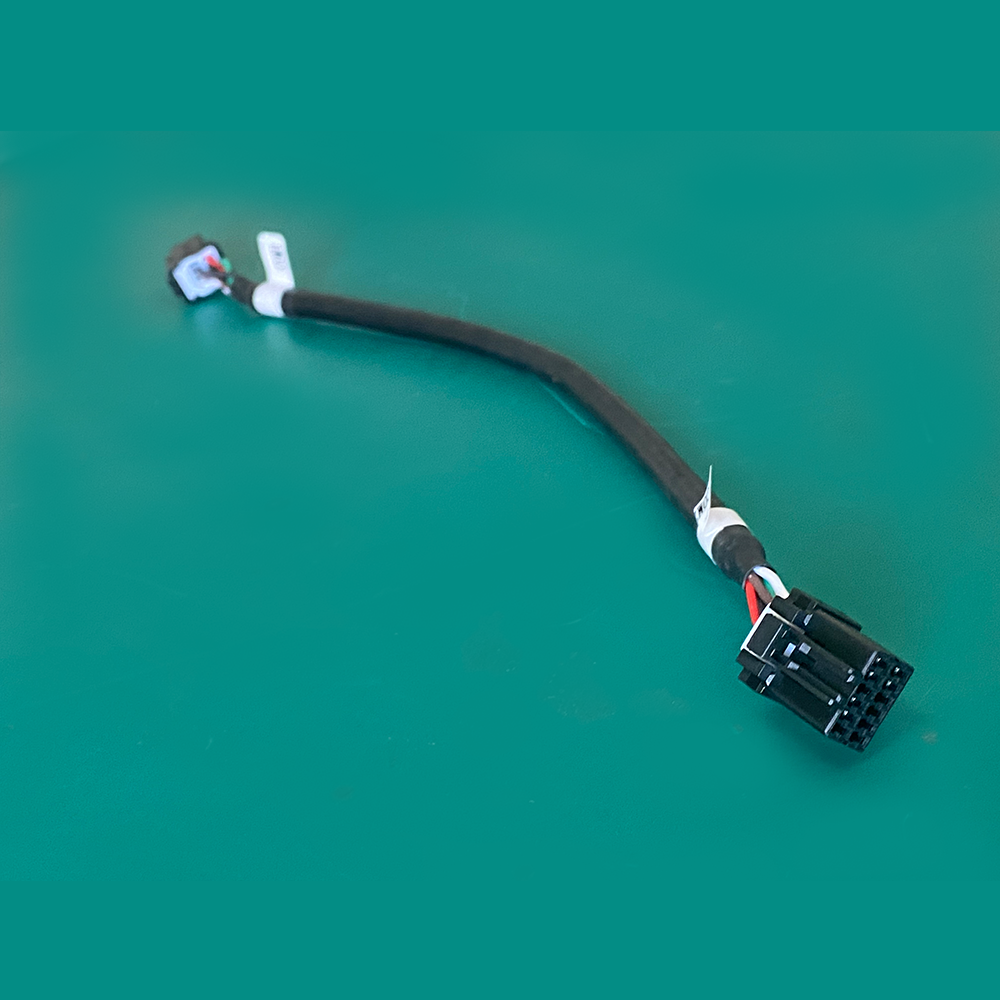
Wire harness-communication wire
Communication wire is connecting from master BMS to each BMU with cascade connection, the last port is for terminal resistance.wire: standard length is 180mm,300mm,600mm